Understanding How Authenticator Apps Generate Secure Codes
In today's digital landscape, understanding how do authenticator apps work is more critical than ever for safeguarding your online accounts. With cyber threats on the rise, relying solely on passwords is no longer sufficient.
In this article, we'll delve into how do authenticator apps work, their importance in enhancing your online security, and how Authenticator 7 stands out as a leading choice for seamless and secure authentication.
What Are Authenticator Apps?
Authenticator apps are mobile applications designed to provide two-factor authentication (2FA) for your online accounts. They generate time-sensitive codes that you use in addition to your password when logging in, ensuring that only you can access your accounts.
How Do Authenticator Apps Work?
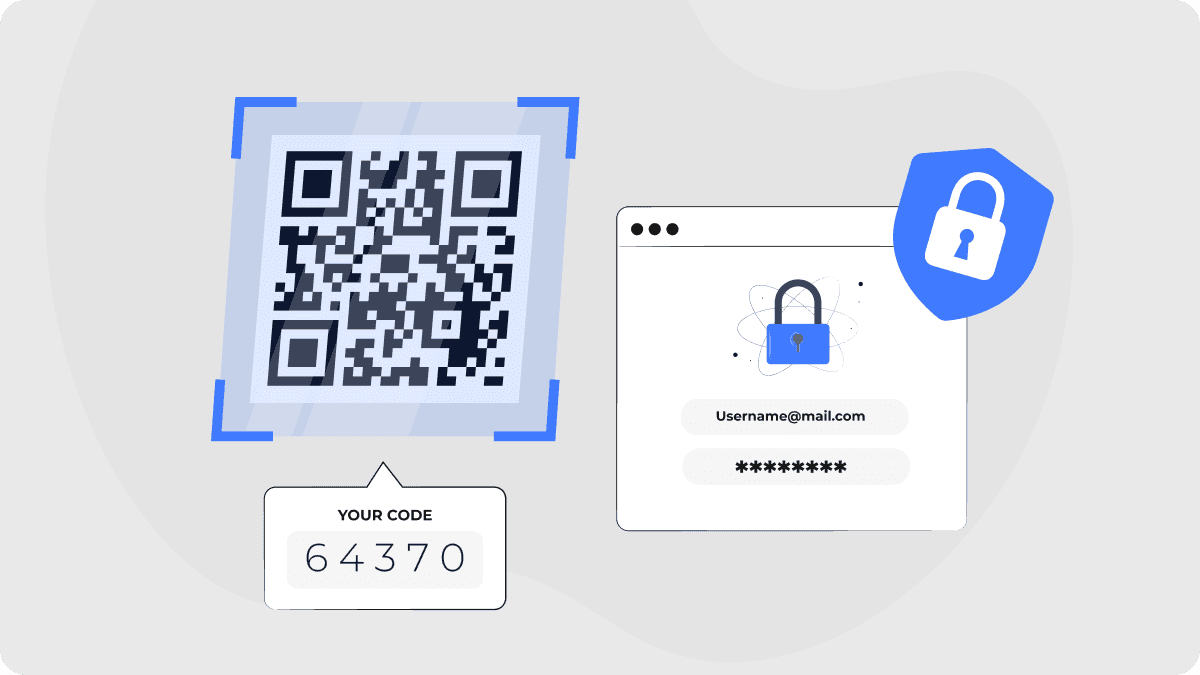
When you enable 2FA on a service, it typically presents a QR code. Scanning this code with your authenticator app establishes a shared secret between the app and the service. The app then uses this secret to generate a unique, time-based one-time password (TOTP) every 30 seconds. During login, after entering your password, you'll input the current TOTP from your app, verifying your identity.
The Importance of Two-Factor Authentication
Implementing 2FA significantly reduces the risk of unauthorized access. A study revealed that over 99.9% of compromised accounts did not use multi-factor authentication, highlighting its effectiveness in deterring cyberattacks. By requiring both something you know (your password) and something you have (the authenticator app), 2FA adds a critical security layer.
Common Challenges with Authenticator Apps
While authenticator apps enhance security, users have reported challenges such as initial setup difficulties, limited device compatibility, and usability issues. Addressing these concerns is essential for broader adoption and improved user experience.
Introducing Authenticator 7: Your Trusted Security Partner
At Authenticator 7, we understand the importance of both security and user experience. Our app is designed to provide robust protection while ensuring ease of use.
Key Features of Authenticator 7
- User-Friendly Interface: Our intuitive design simplifies the setup process, making it accessible even for non-tech-savvy users.
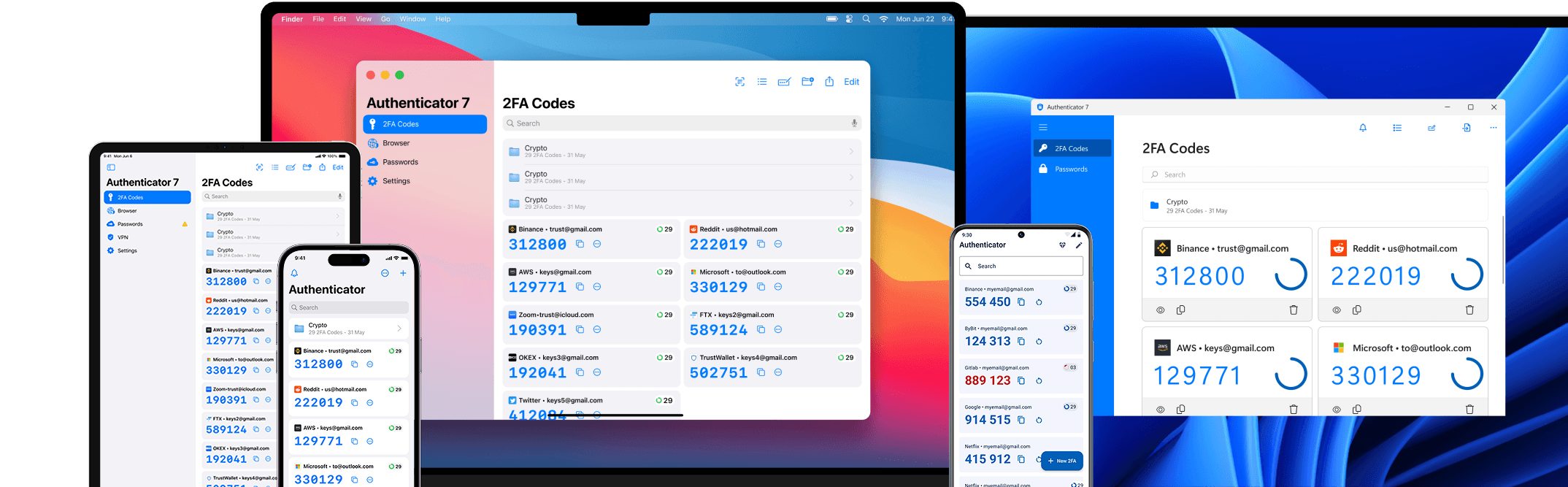
- Cross-Platform Compatibility: Authenticator 7 supports various devices and operating systems, ensuring seamless integration across all your platforms.
- Secure Backup and Recovery: We offer encrypted backup options, allowing you to recover your authentication data if you switch devices or experience data loss.
- Offline Functionality: Generate authentication codes without an internet connection, ensuring access even in offline scenarios.
How Authenticator 7 Enhances Your Security
By choosing Authenticator 7, you're opting for a solution that prioritizes both security and convenience. Our app addresses common pain points, providing a seamless experience that encourages the adoption of two-factor authentication.
Getting Started with Authenticator 7
- Download the App: Install Authenticator 7 from your device's app store.
- Set Up Your Accounts: Follow the in-app instructions to scan QR codes and add your accounts.
- Enable 2FA: Activate two-factor authentication on your online services and link them to Authenticator 7.
- Secure Your Backup: Utilize our encrypted backup feature to safeguard your authentication data.
Conclusion
Don't wait for a security breach to take action. Enhance your online safety today by integrating Authenticator 7 into your security measures. Experience seamless, secure authentication designed with you in mind.
Protect your accounts now—Download Authenticator 7 and take control of your online security.

Related articles
Authenticator App For X: Secure Your Account with This Easy Setup
By Assad Abbas
14 min read
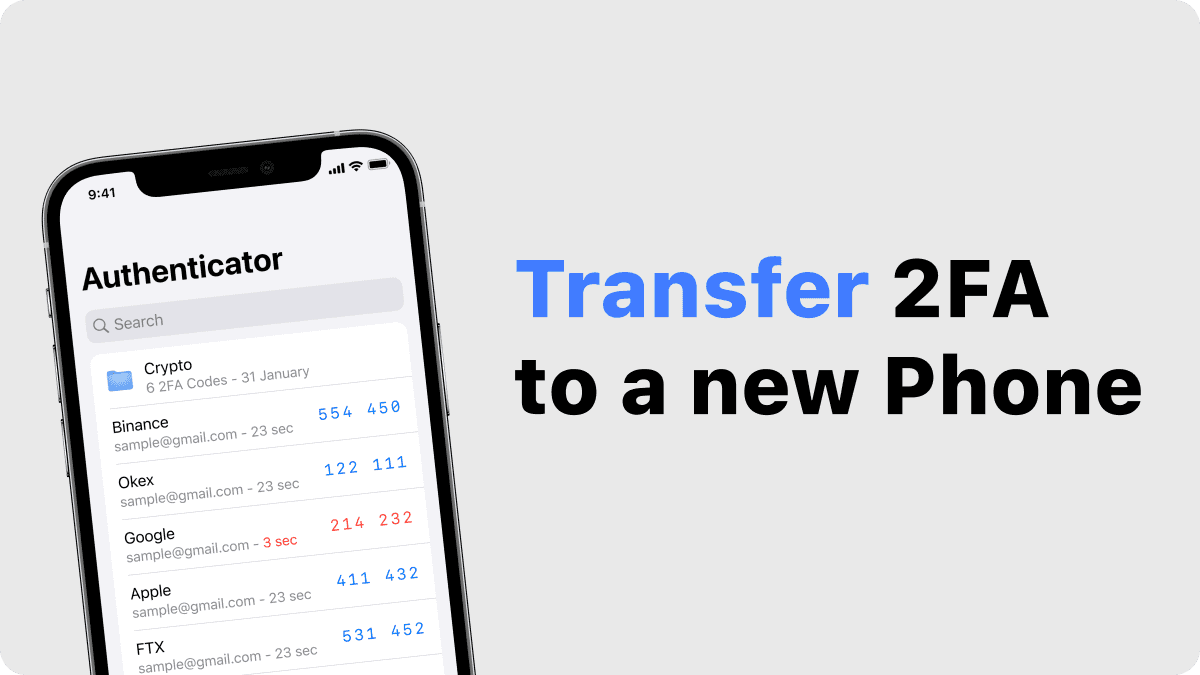
How to Transfer and Install Your Authenticator App on a New Phone
By Assad Abbas
12 min read
Protect Your Warframe Account | The Importance of Two-Factor Authentication
By Assad Abbas
12 min read