




























Enable 2FA in your service
Open the website or app’s security settings. Turn on two-factor authentication and choose an authenticator app.
CROSS-PLATFORM AUTHENTICATOR
Copy a code. Find a password.
iPhone · iPad · Mac · Android · Windows
Store ratings checked October 29, 2026. Total includes US App Store and US Google Play.
 Scan for iPhone
TWO-FACTOR AUTHENTICATION
Choose a service for step-by-step 2FA setup.
HOW IT WORKS
Add an extra layer of protection with a code from Authenticator.
Connect your account in three simple steps.
Open the website or app’s security settings. Turn on two-factor authentication and choose an authenticator app.
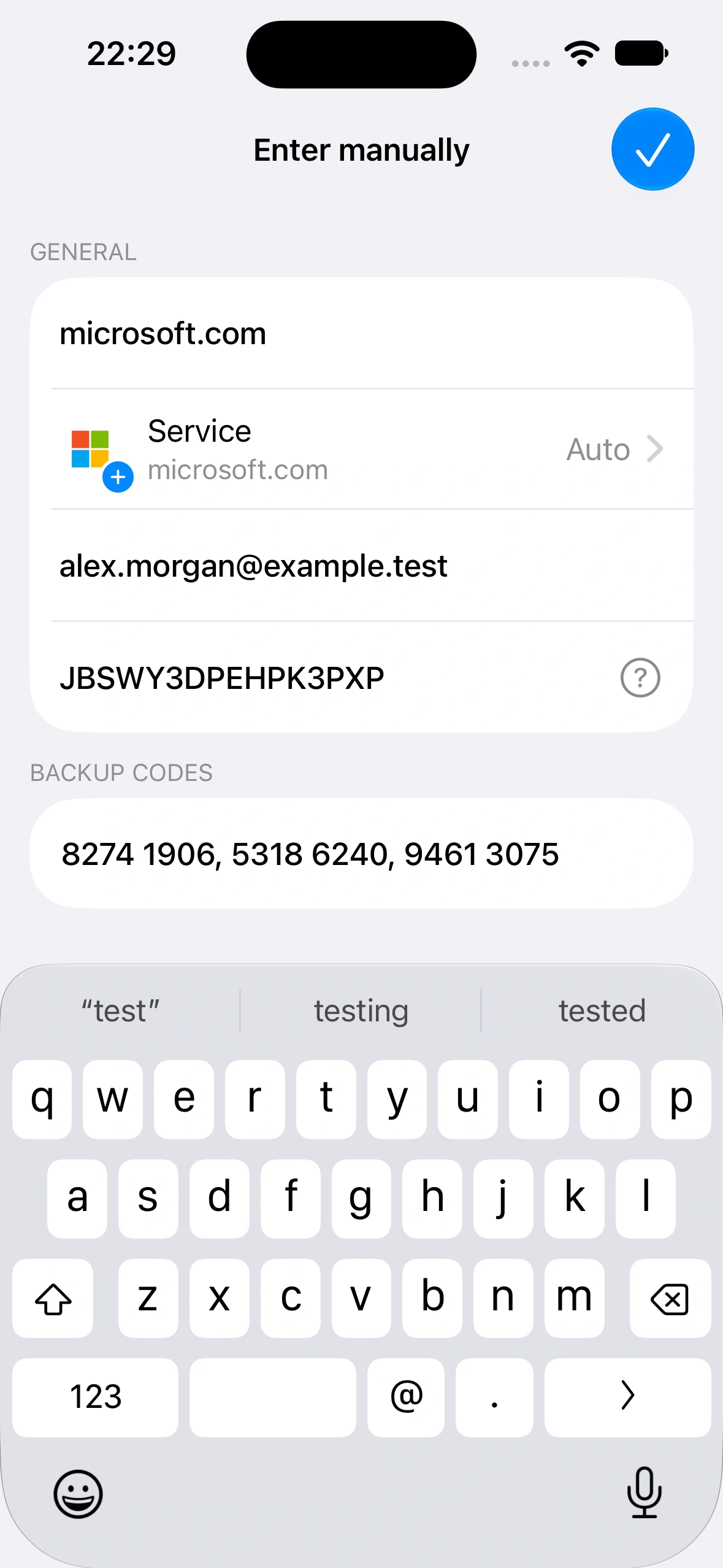
Scan the setup QR code shown by the service, or enter its setup key manually. Your account is now ready to generate codes.
Enter a code to finish the service’s setup. When it asks for a code at sign-in, open Authenticator and use the current one.
Use an app PIN or biometric unlock on supported devices to keep access to your accounts protected.
Sync verification codes across your Apple devices with iCloud. Restore your codes from a backup when changing devices.
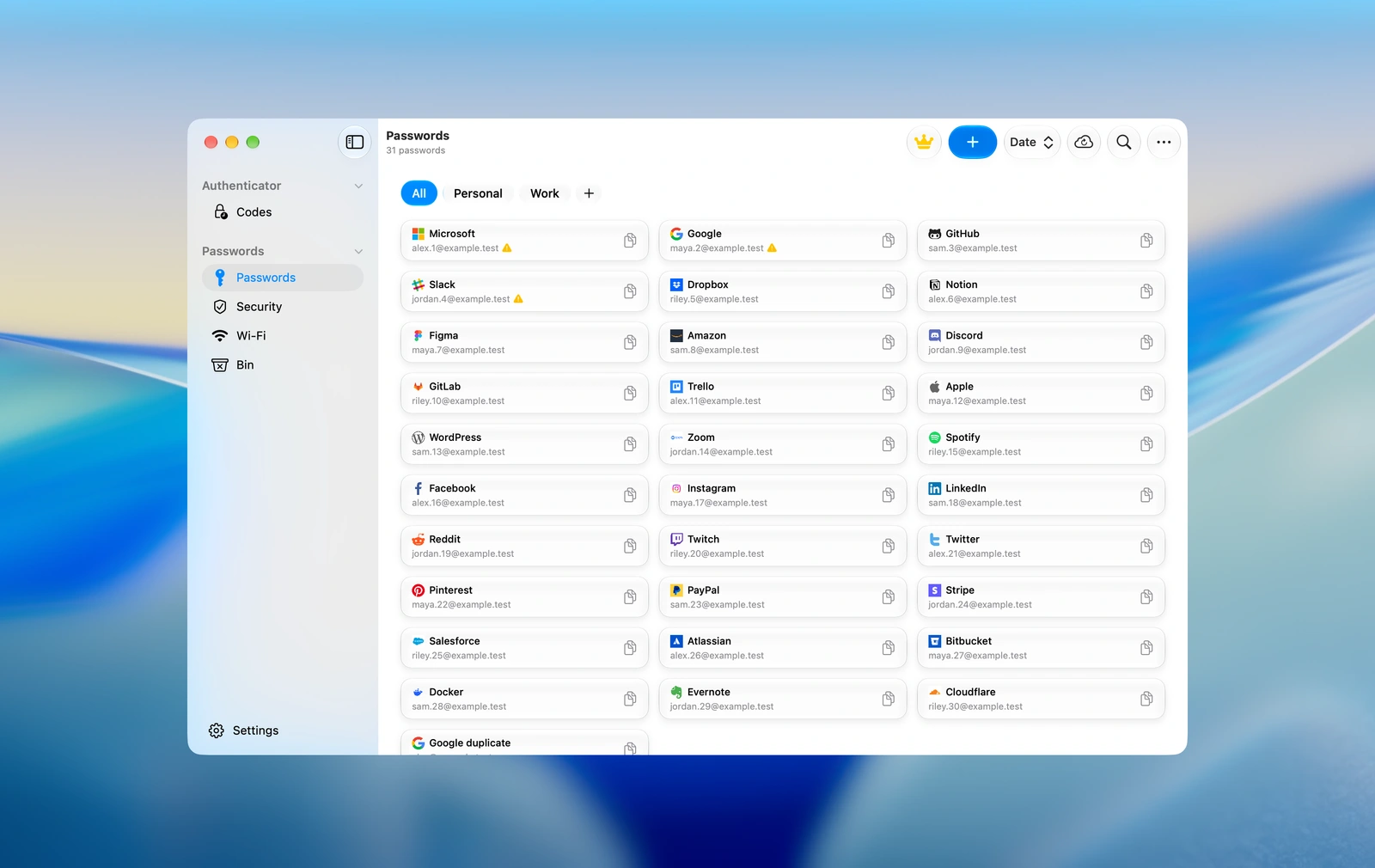
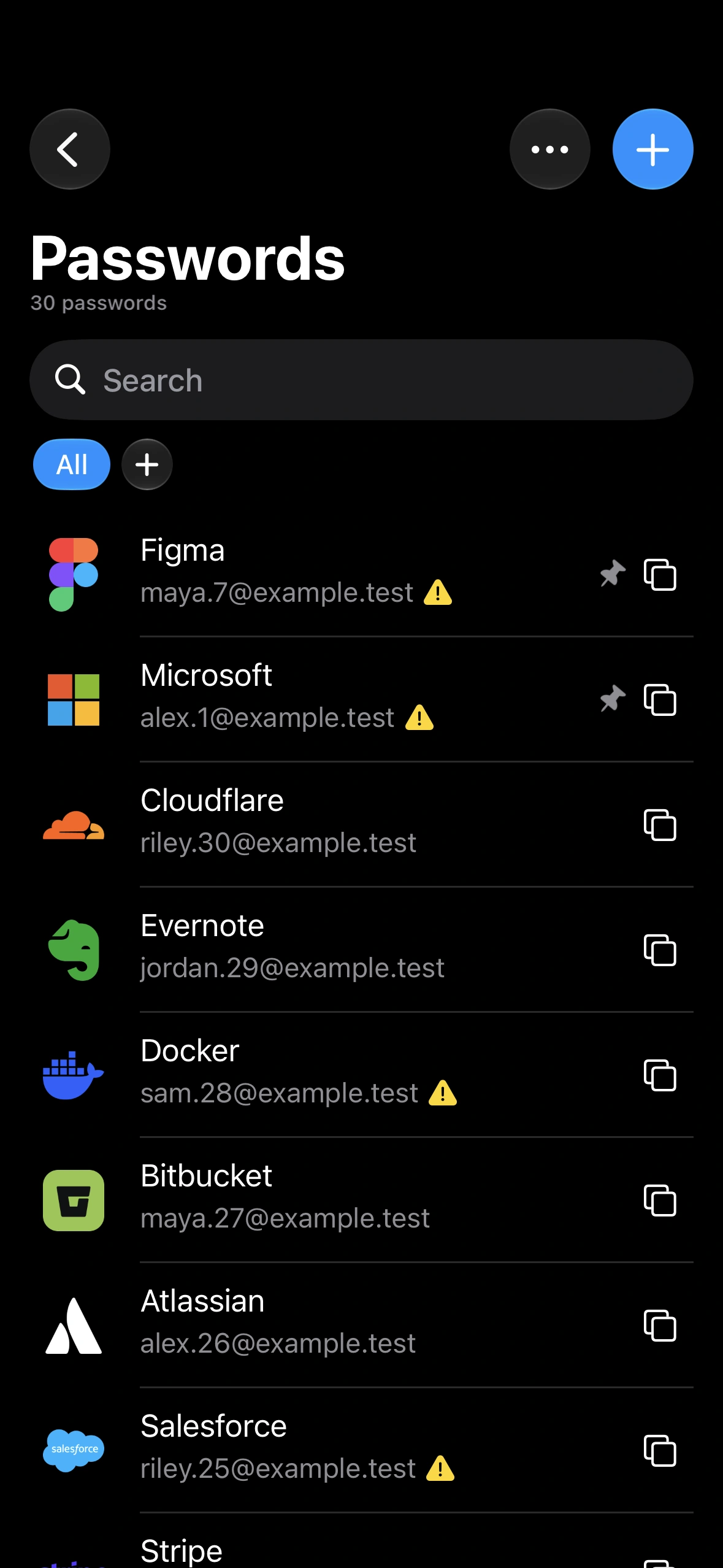
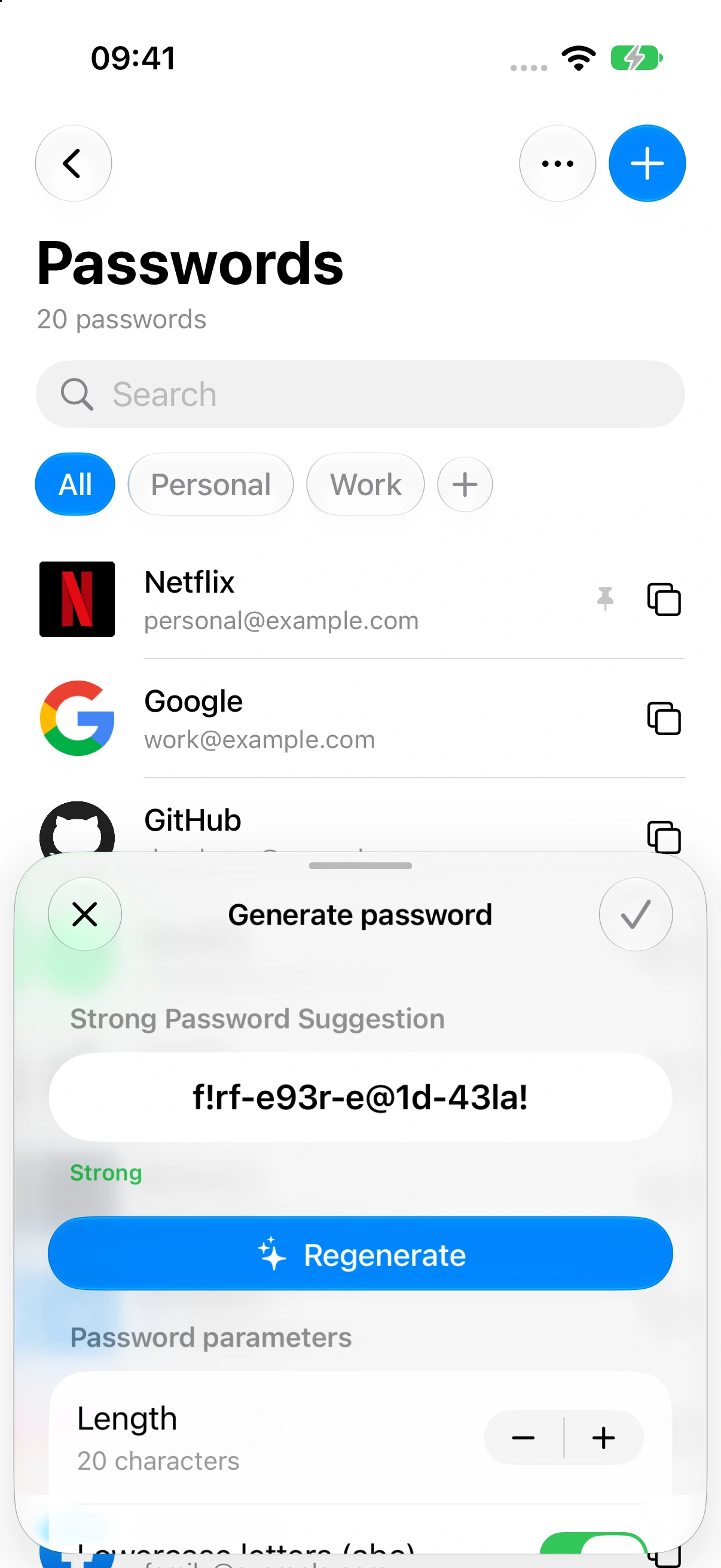
Create a password with your chosen length and characters. Save your login details in the Passwords section.
Works with services that support authenticator codes.
DATA SECURITY
Keep verification codes and saved passwords
on the devices you use every day.
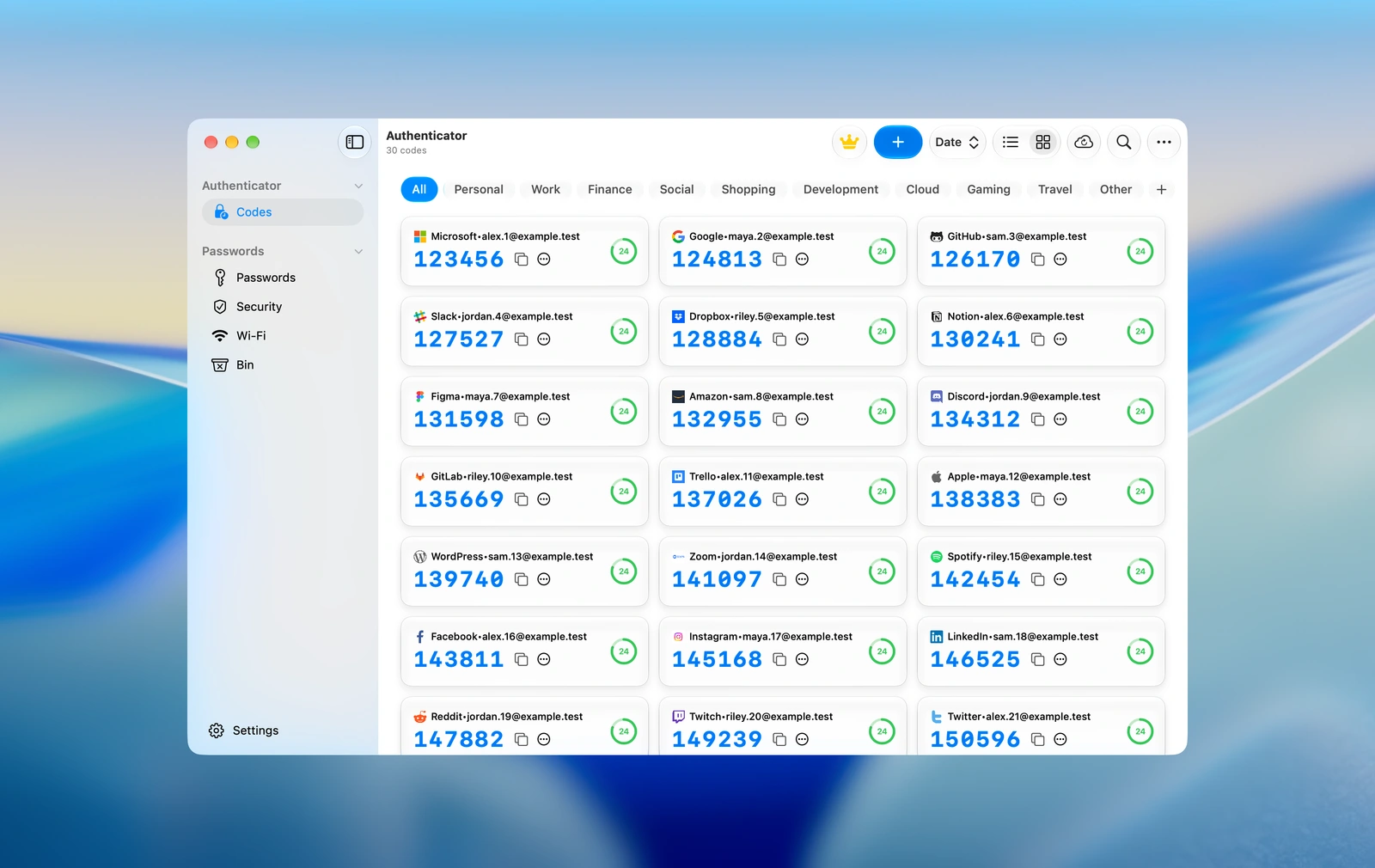


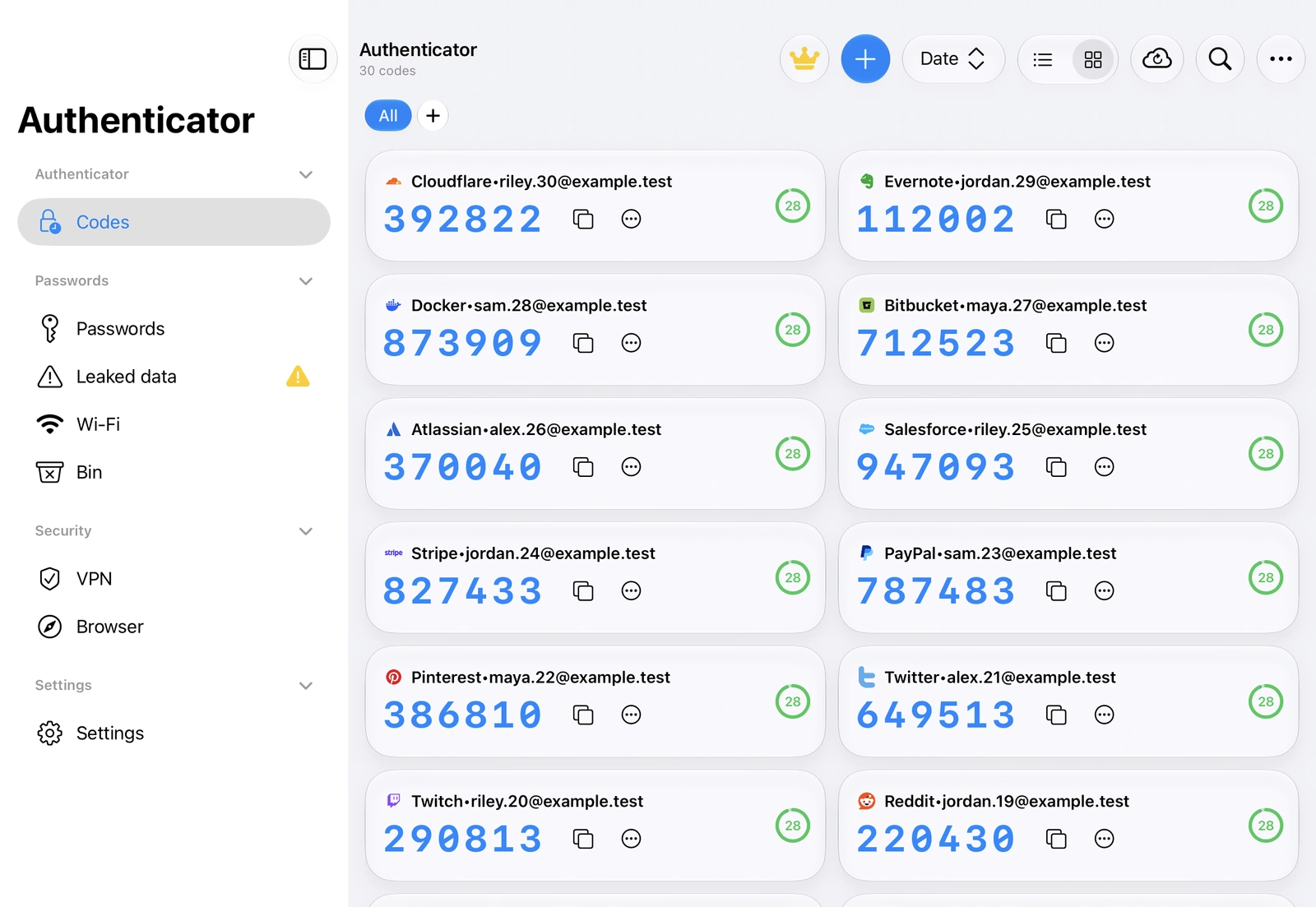

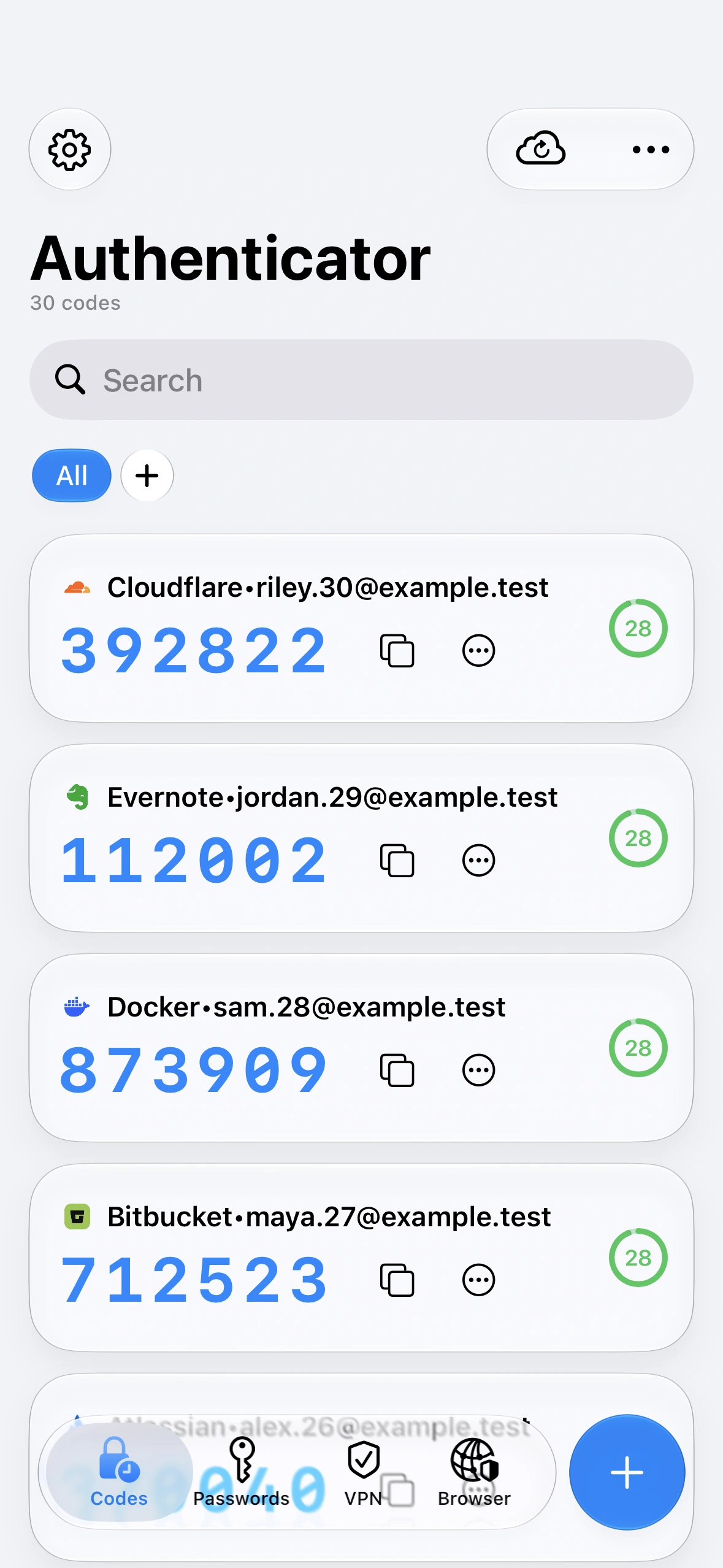

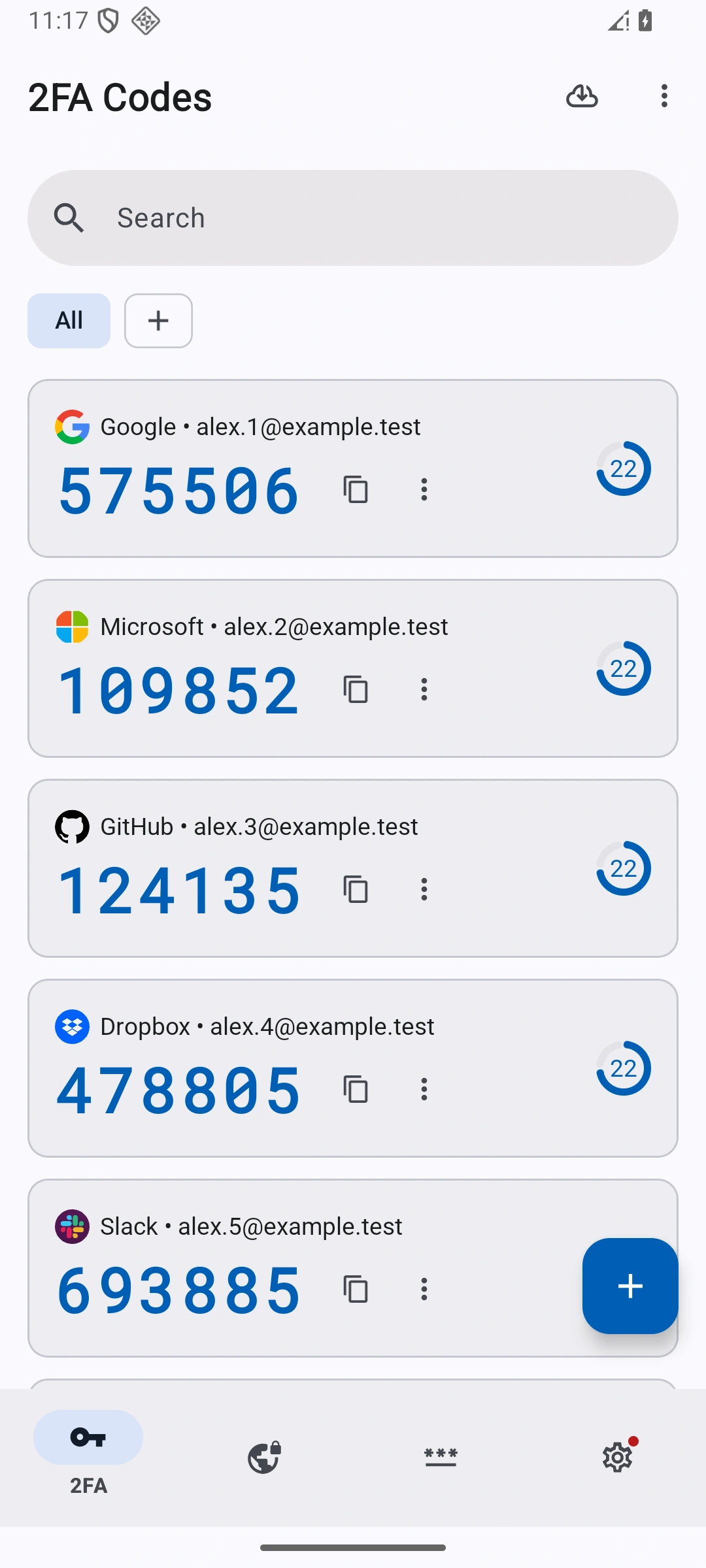
Scan an account.
Copy its code.
Find your accounts.
Use a larger view.
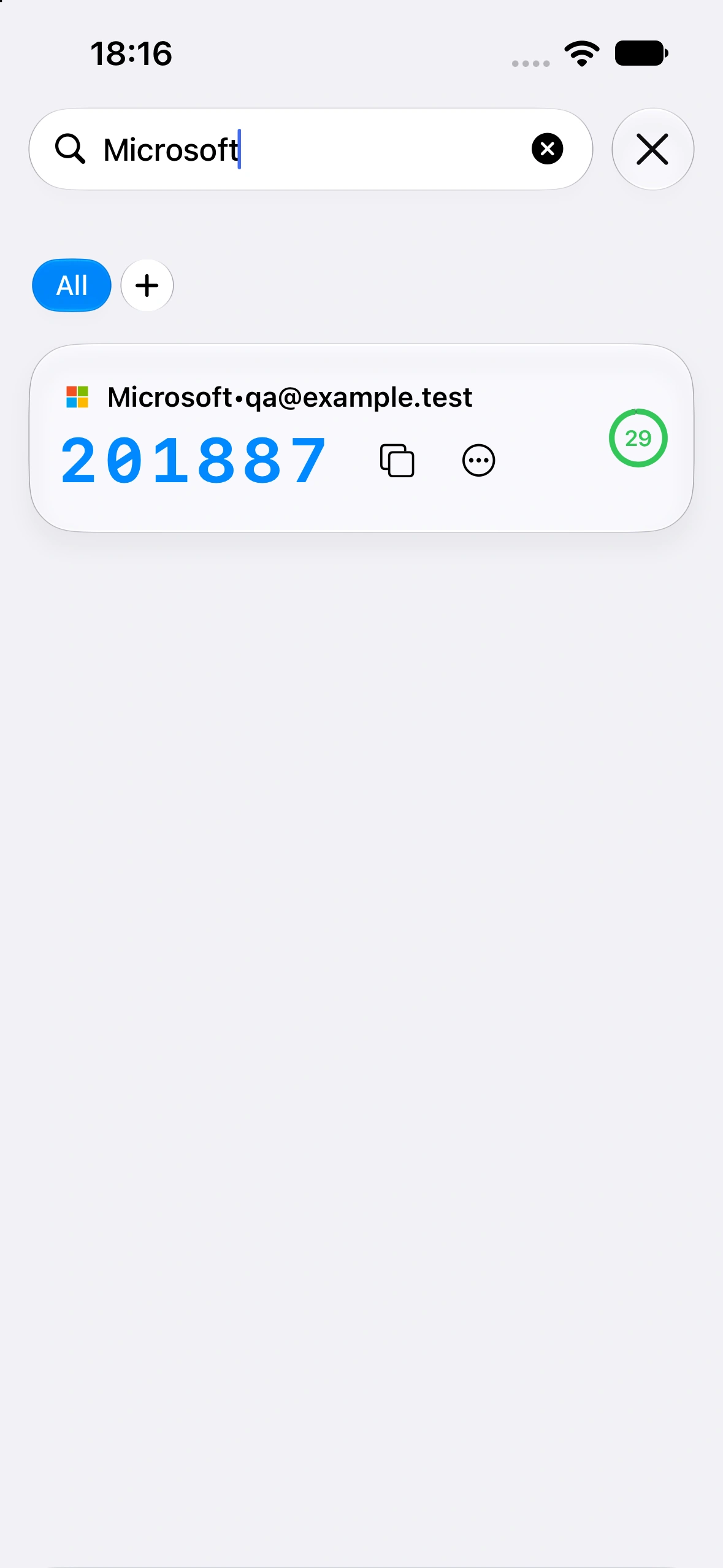
Find a sign-in code.
Copy it on your Mac.
Choose an account.
Read its code.
Save passwords.
Copy sign-in codes.
Find your accounts.
Copy codes on PC.
Copy verification codes, save passwords and restore accounts from a backup.
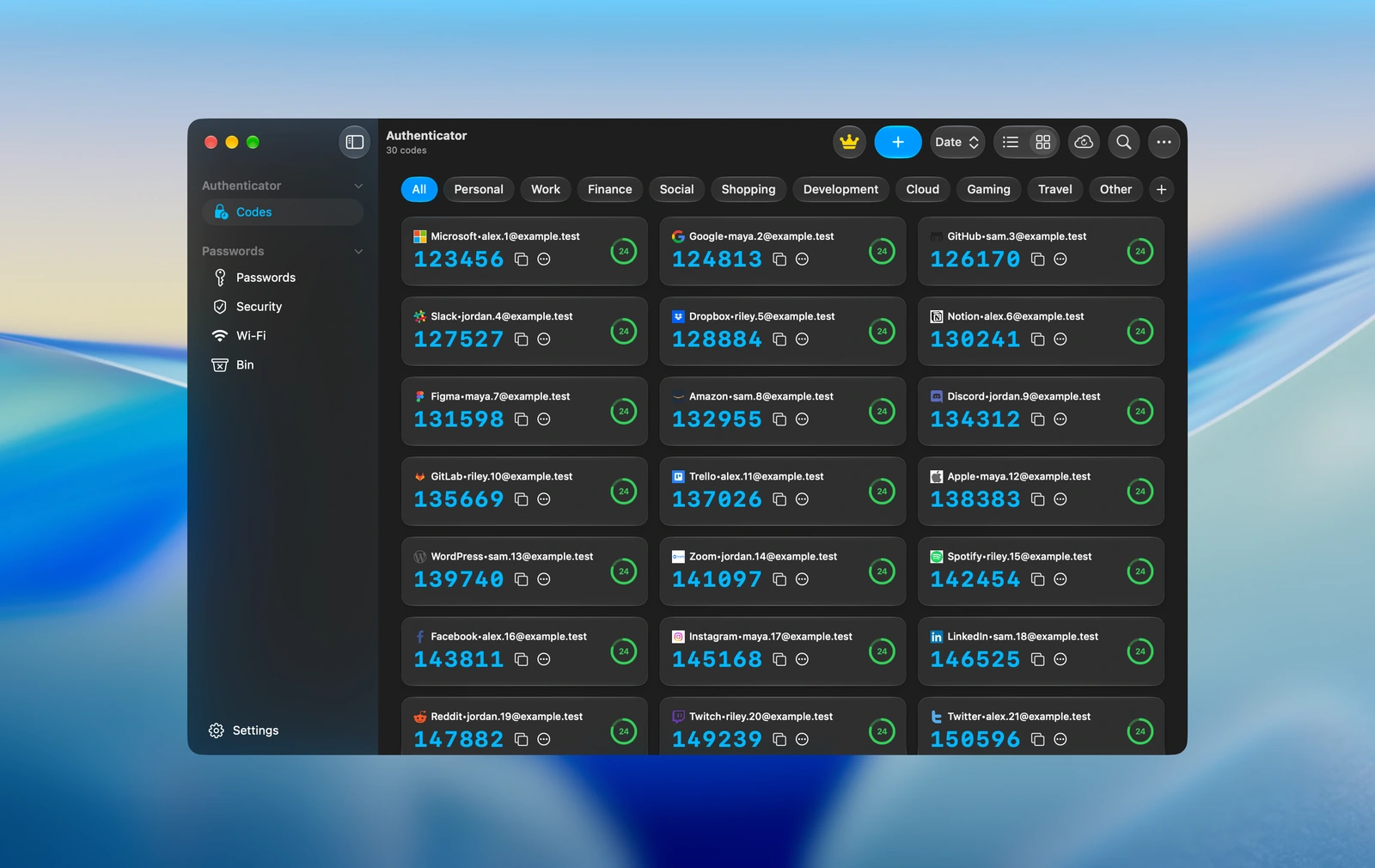
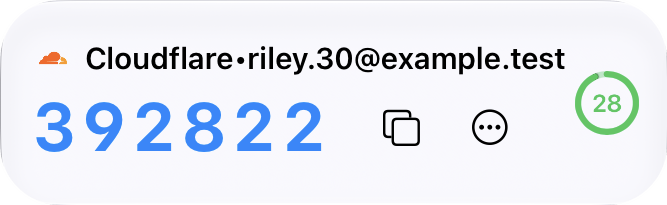
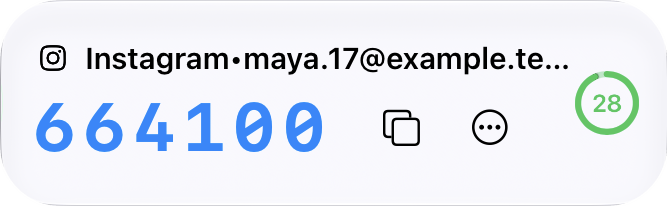
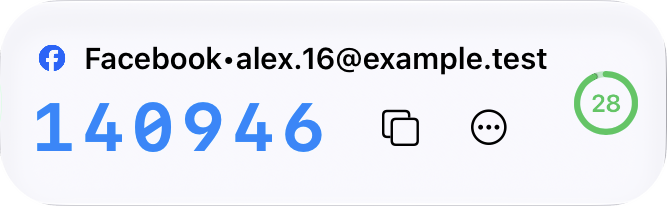
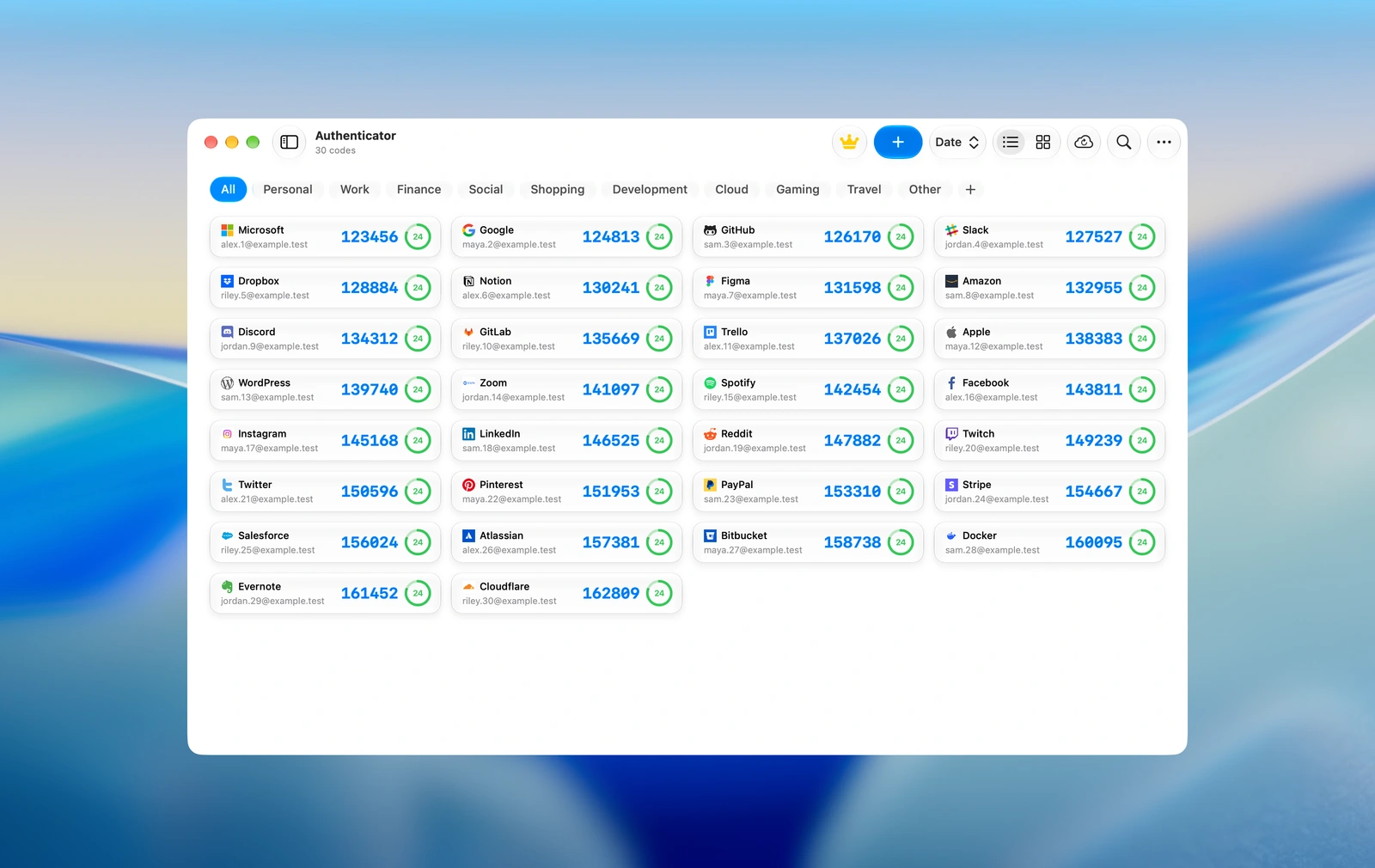
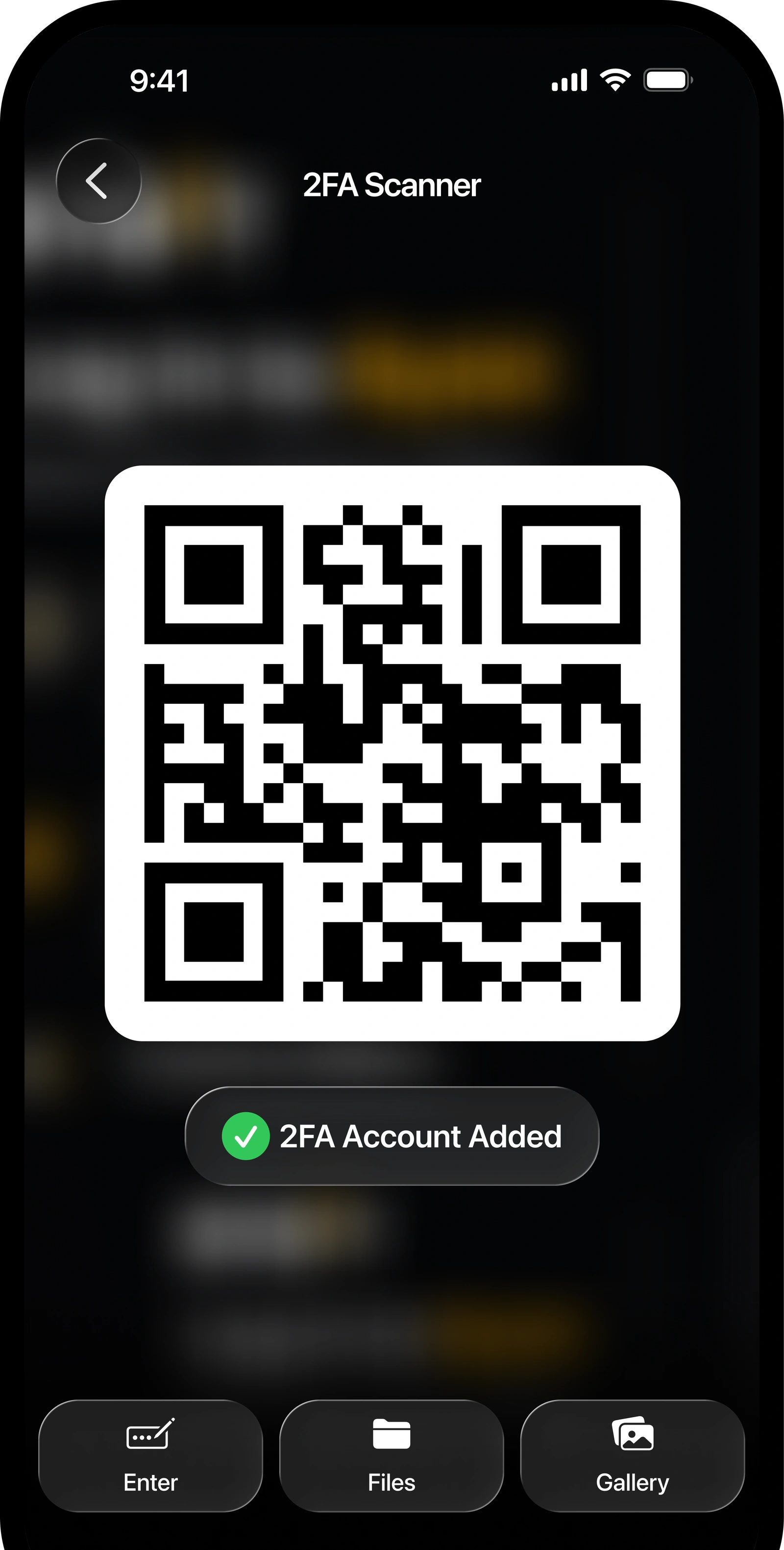
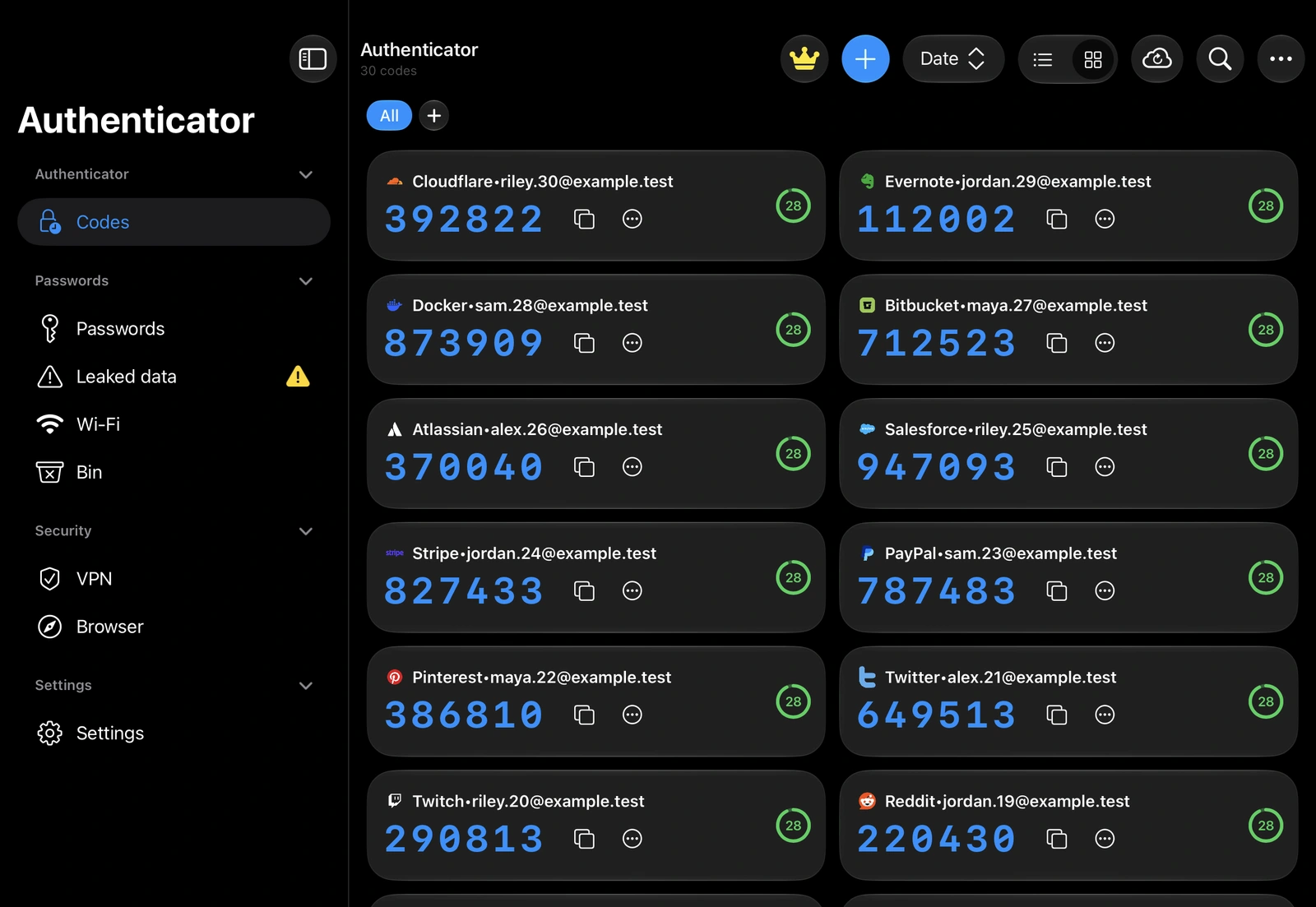
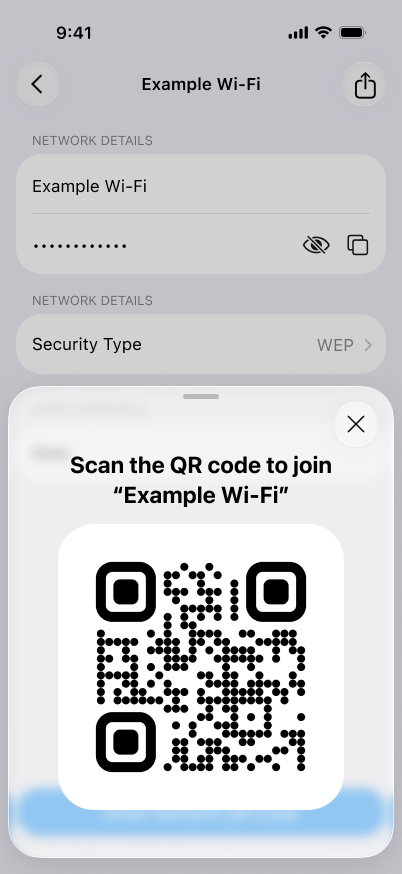
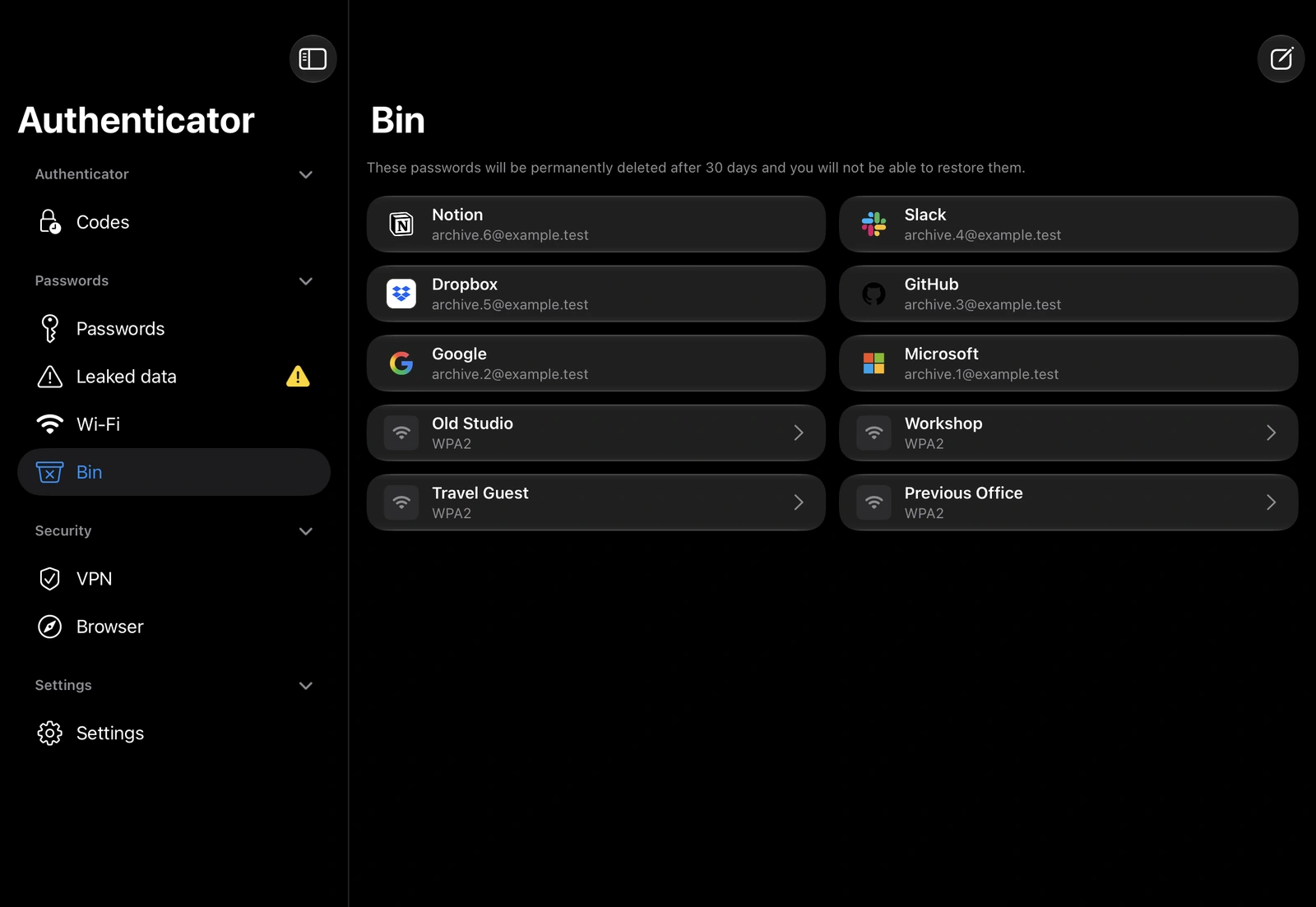
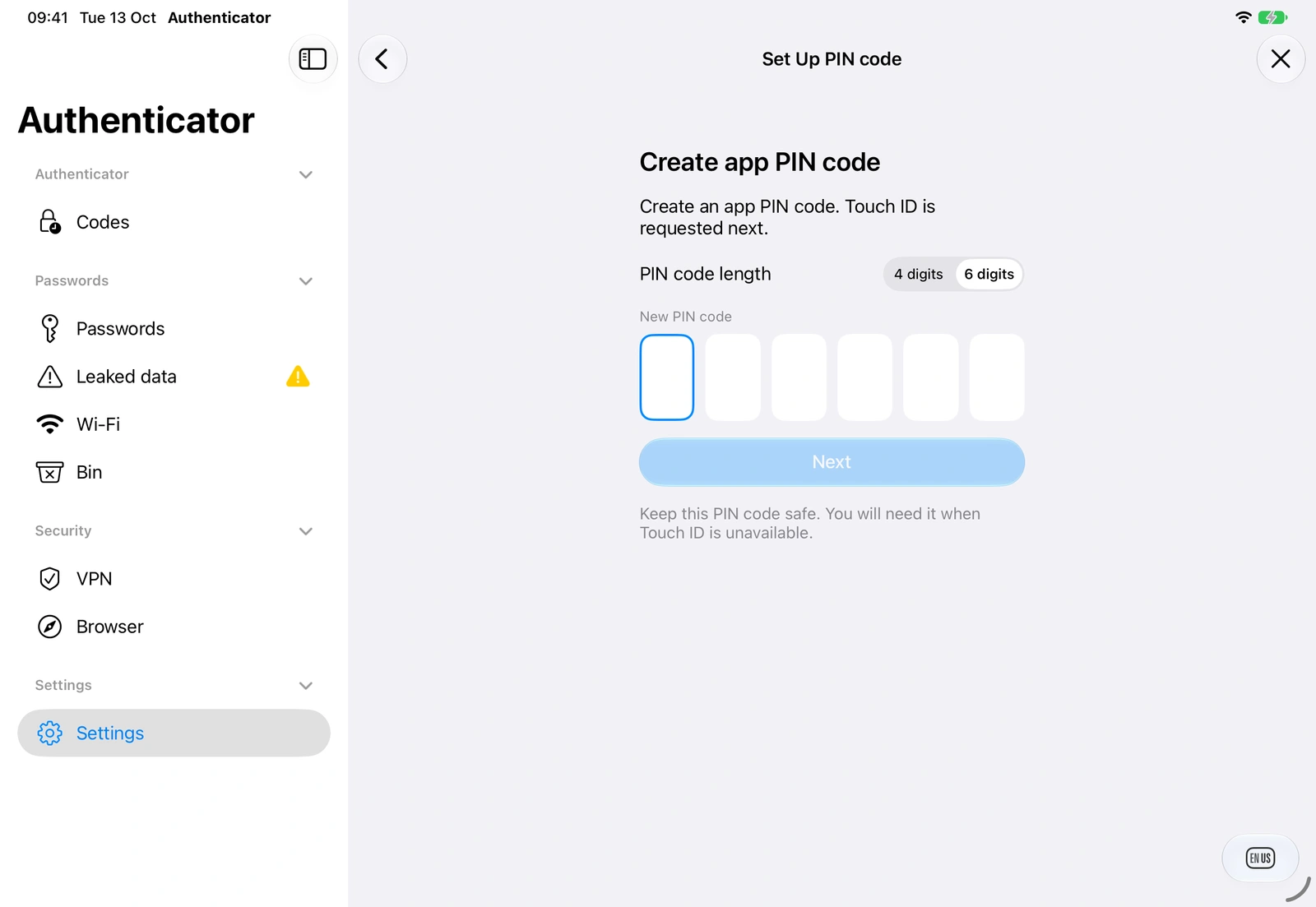
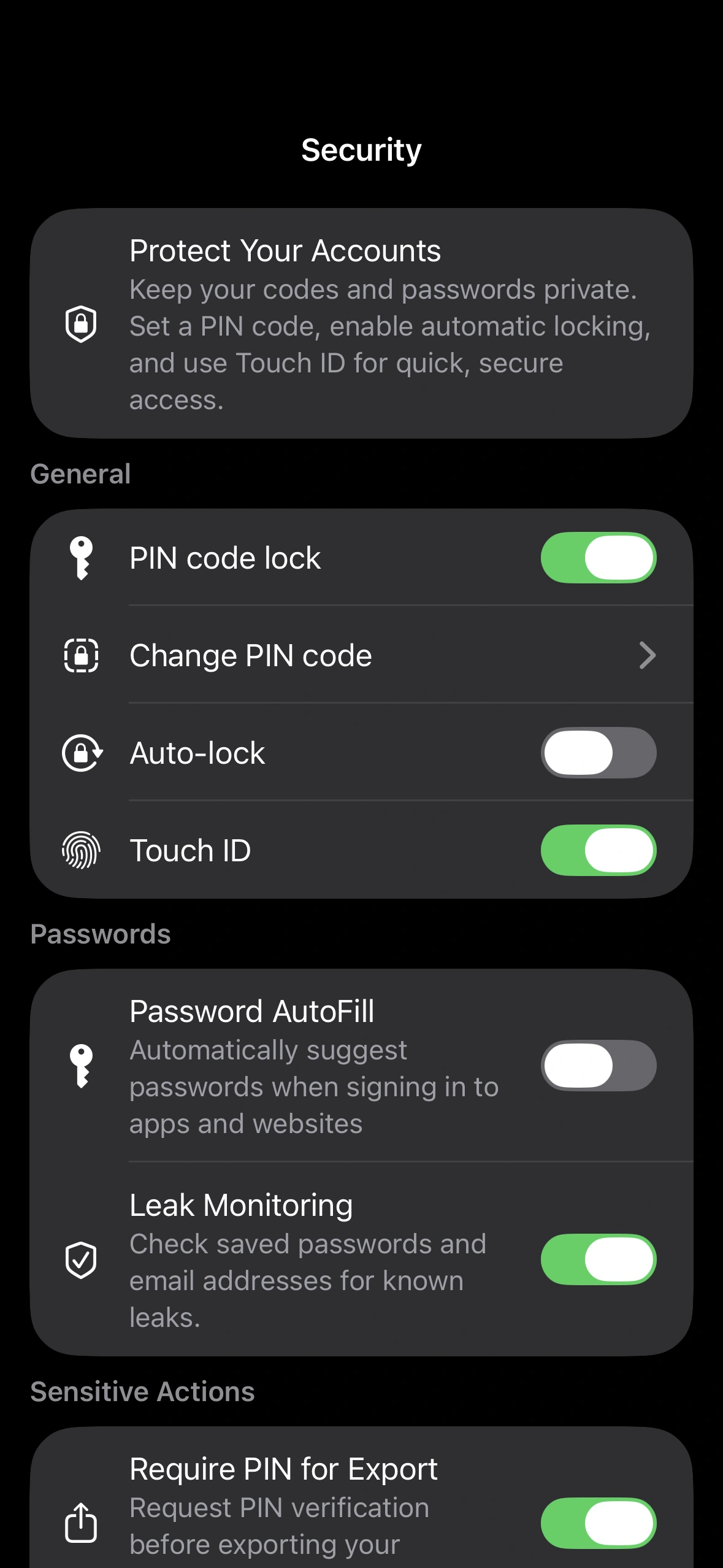
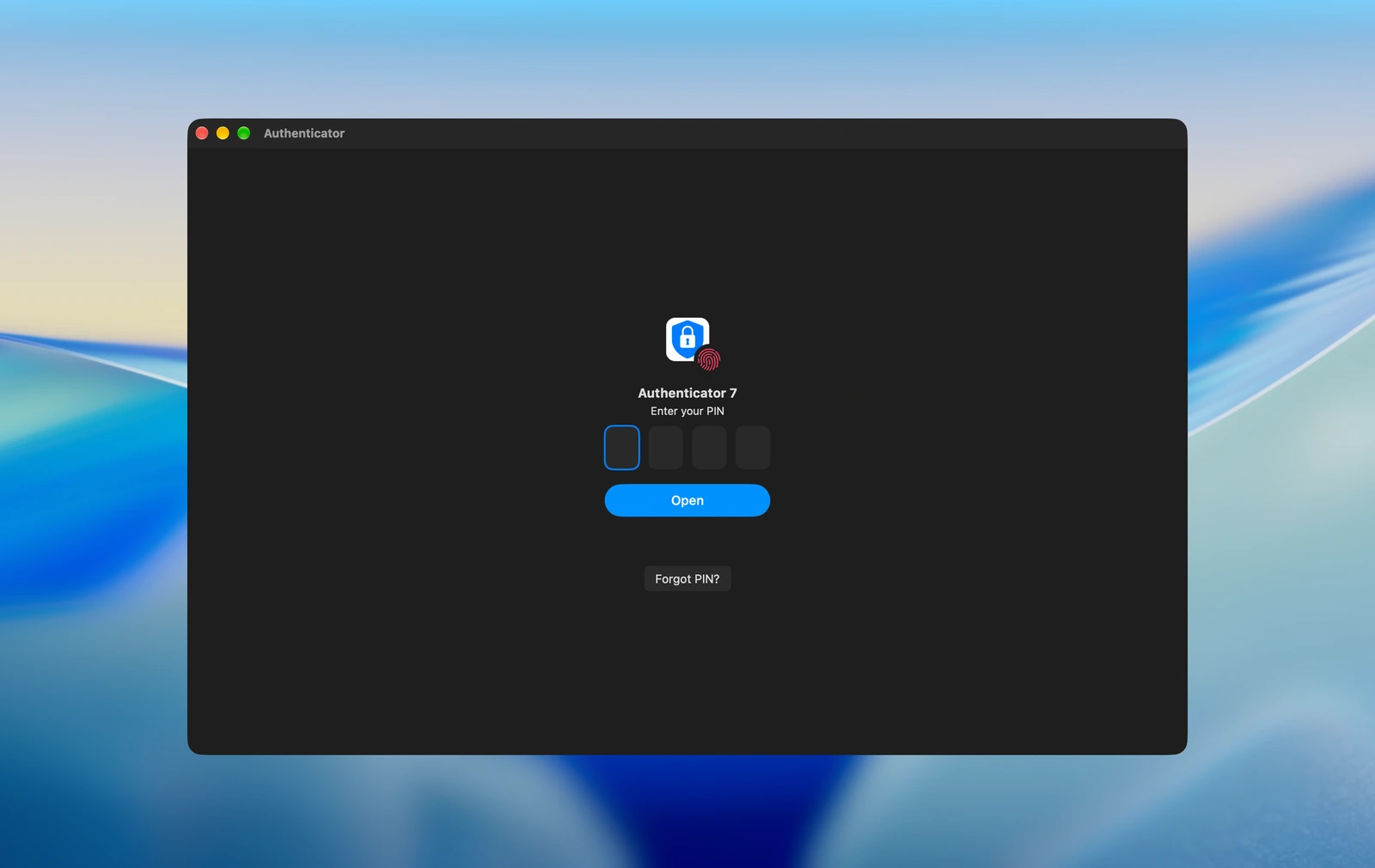
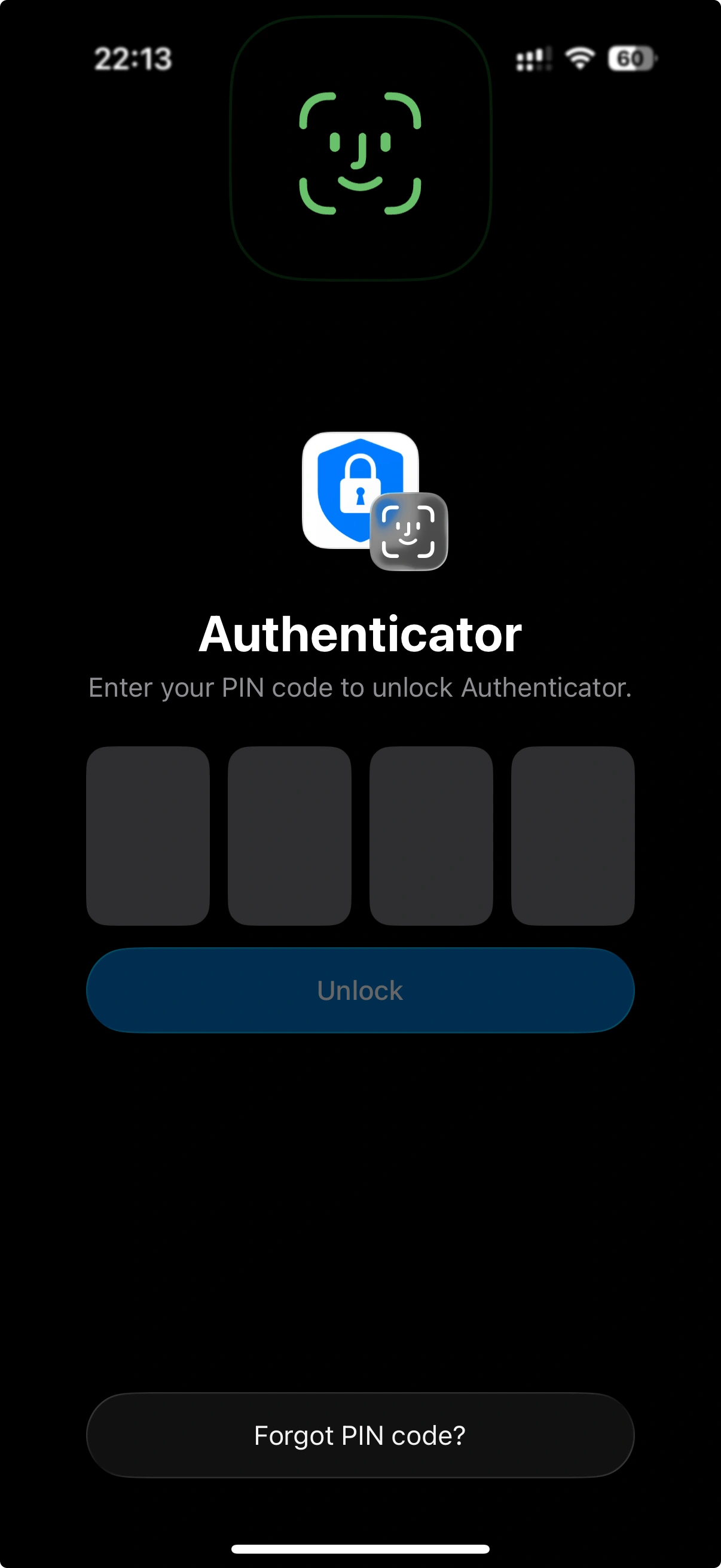
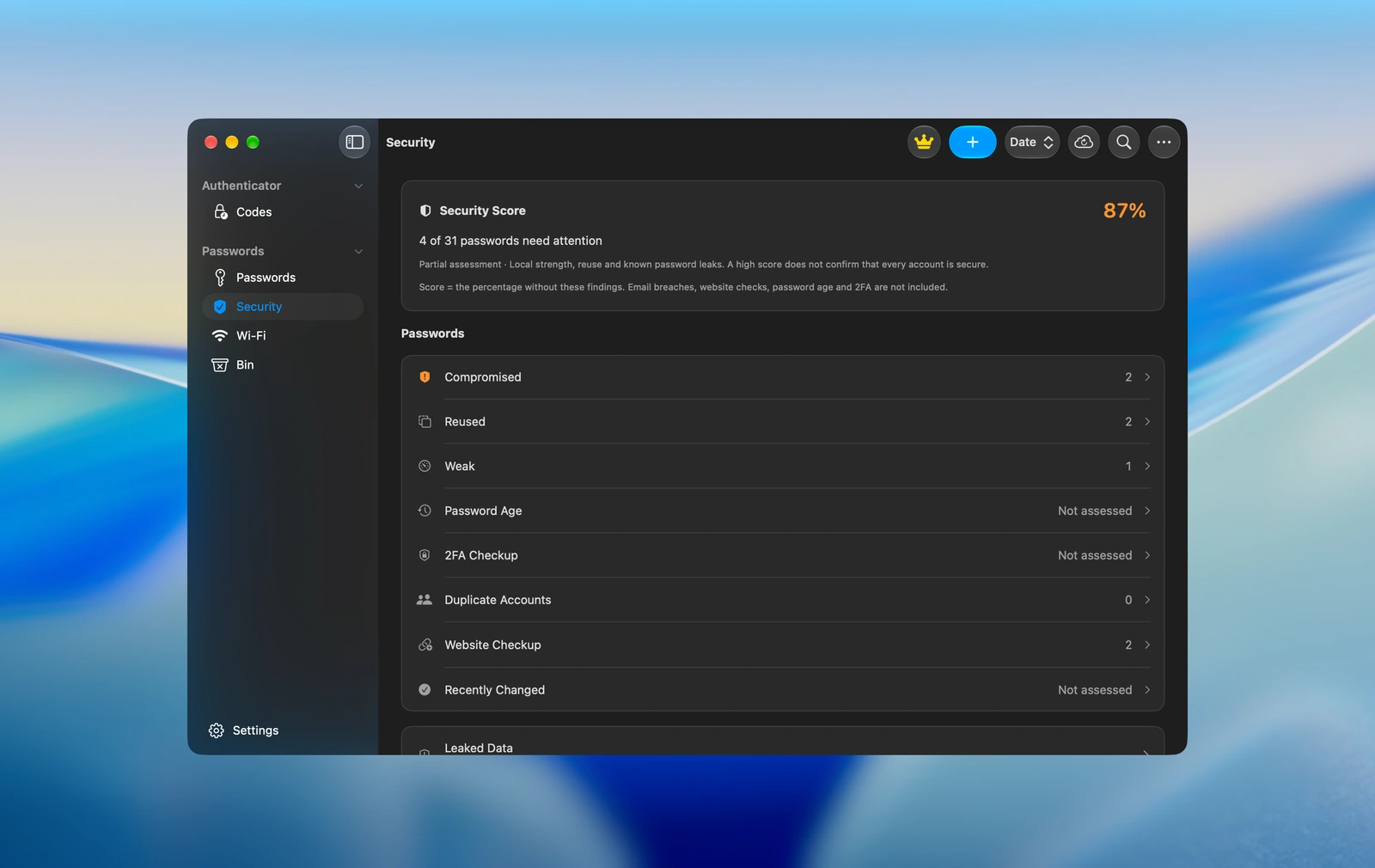
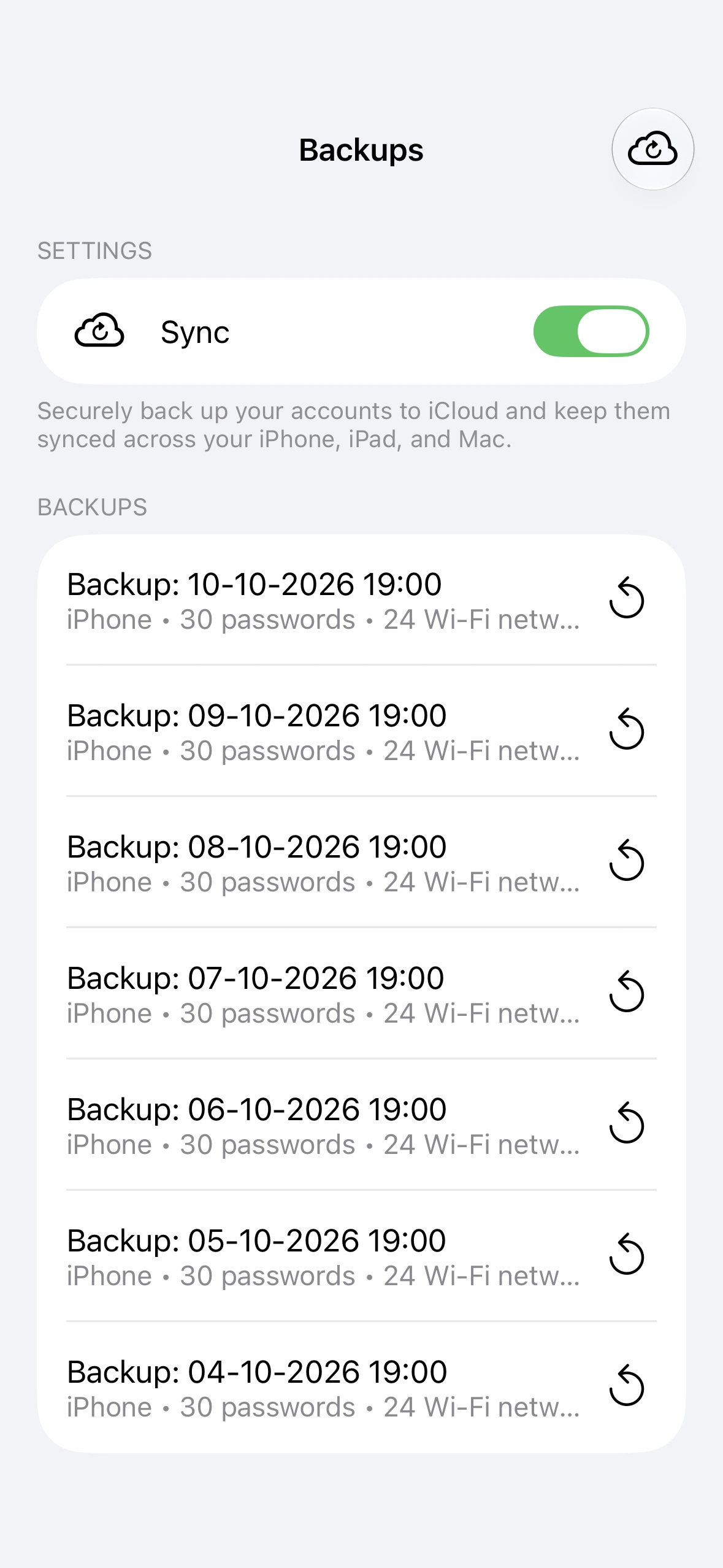
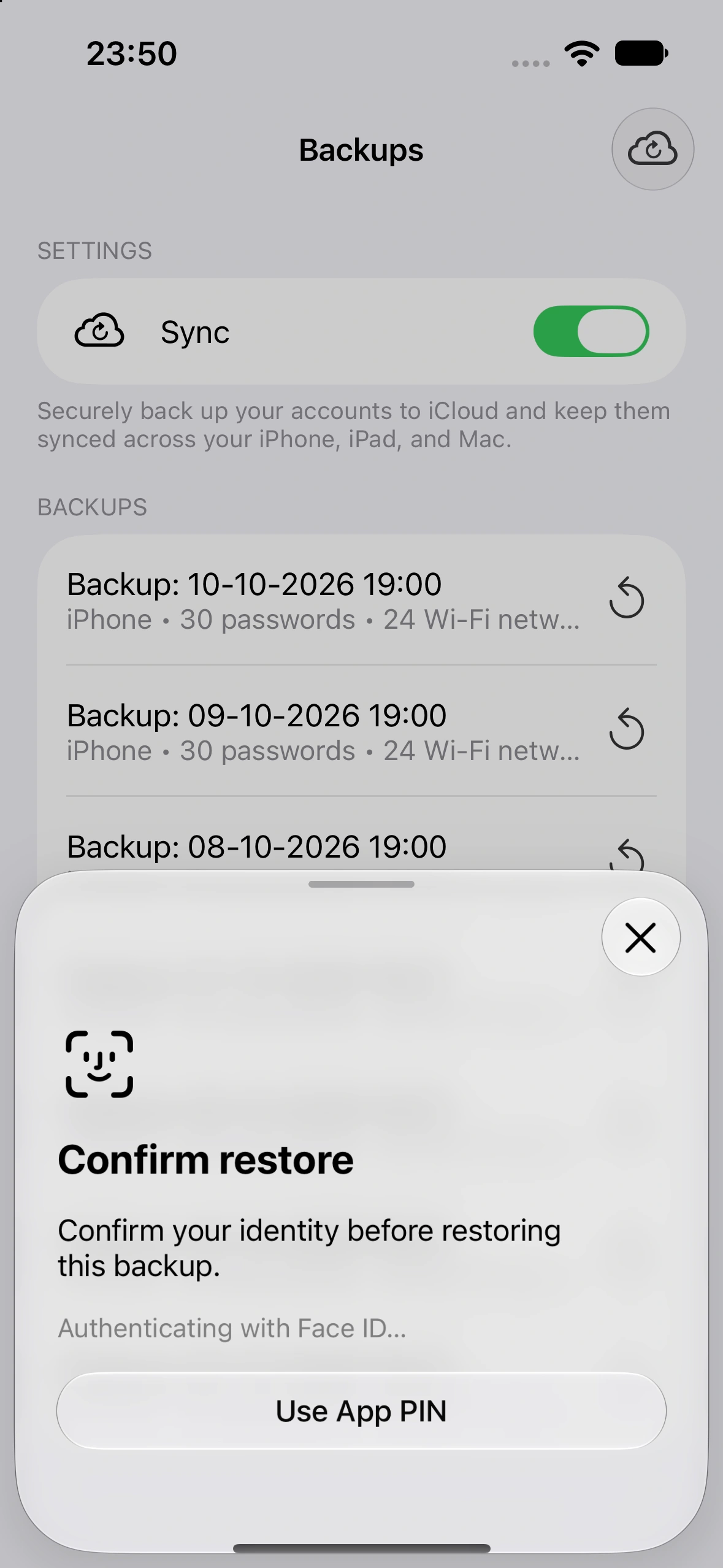
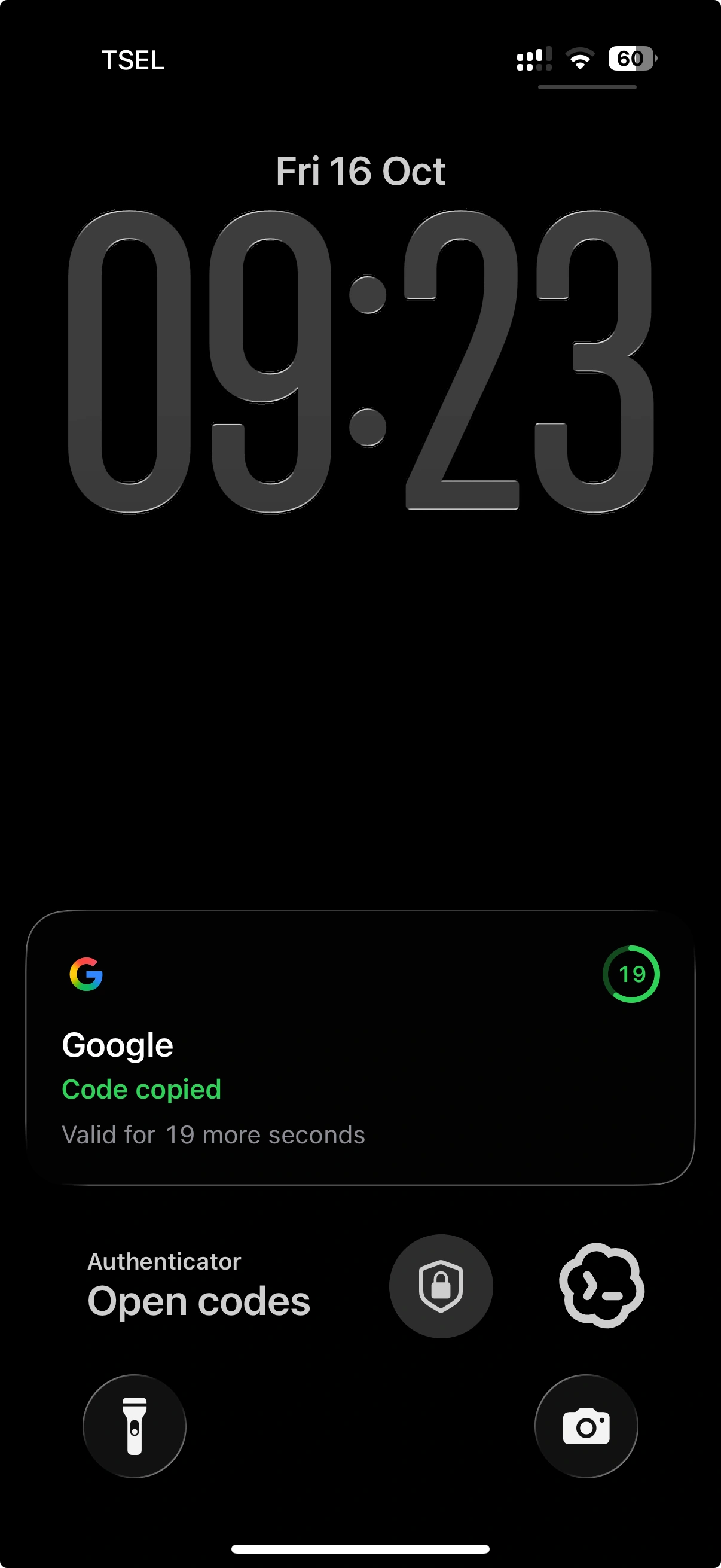
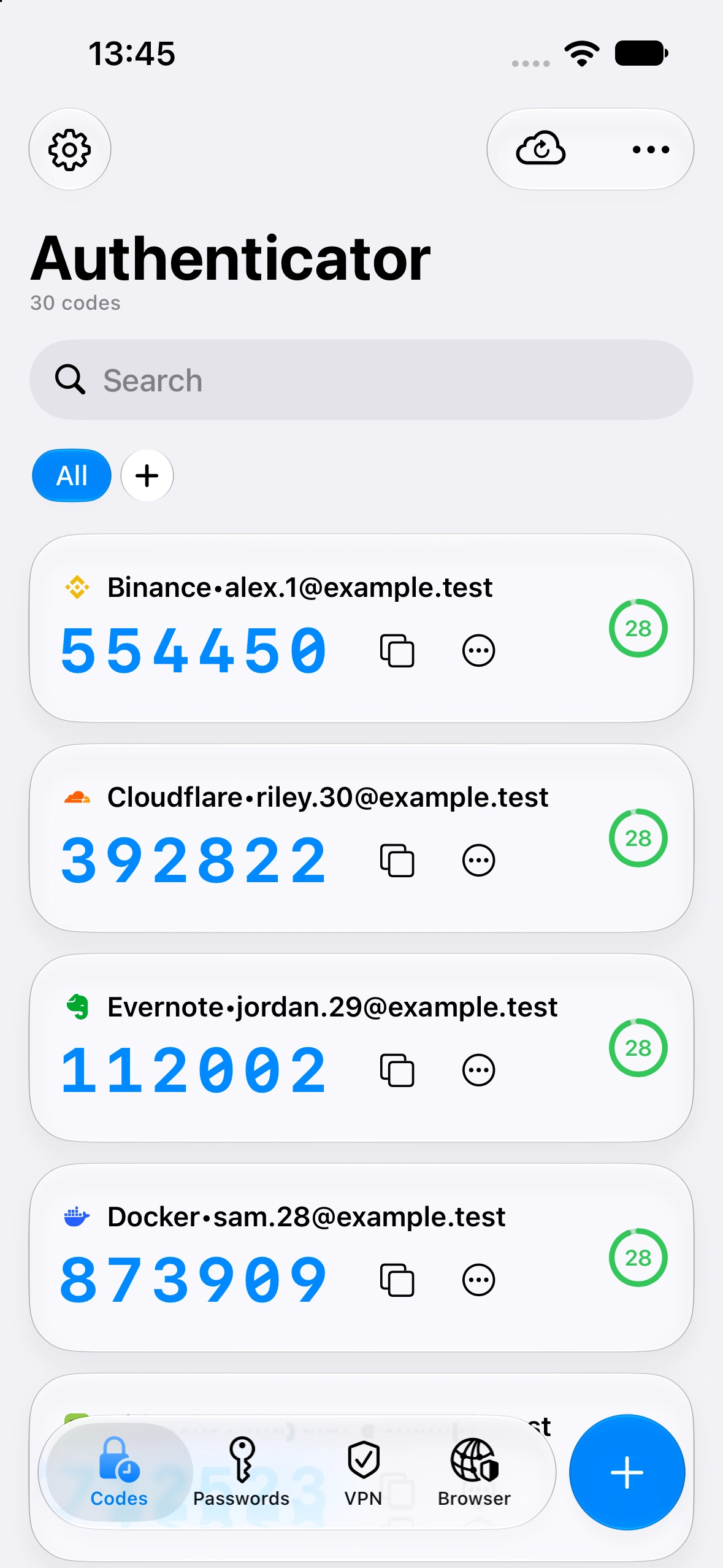
Find an account and copy its code without reaching for your phone.
Find an account. Search your codes and copy the one you need.
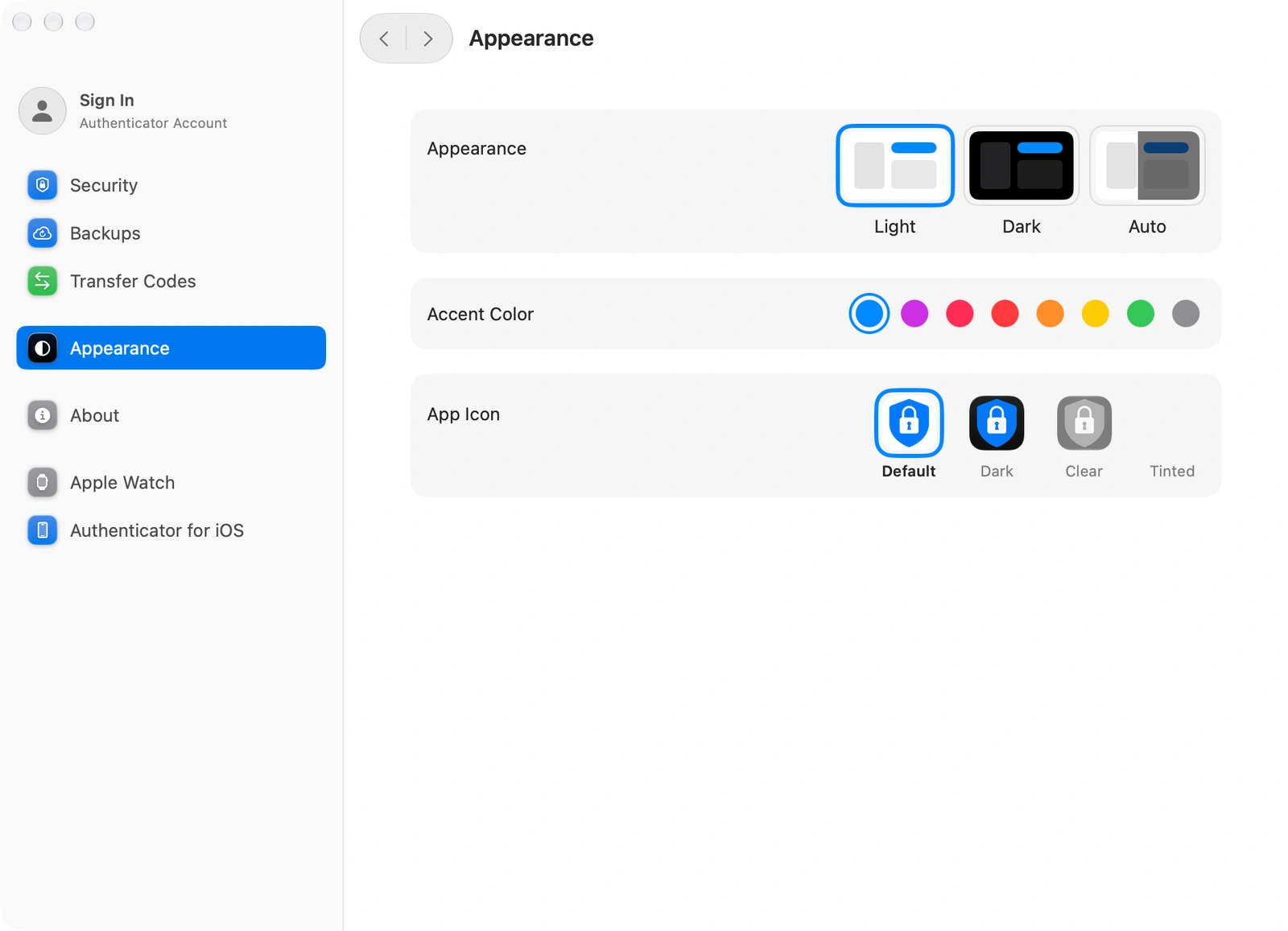
Choose your appearance. Use light or dark mode and set an accent color.
Open from the Dock. Keep the app a click away while you work.
FEATURES
Add an account using the QR code provided by the service.
Add an account manually when a QR code is unavailable.
Copy the current verification code for your sign-in.
Search your accounts by name.
Group accounts into folders.
Keep frequently used accounts close at hand.
Keep login details in the Passwords section.
Update saved account details.
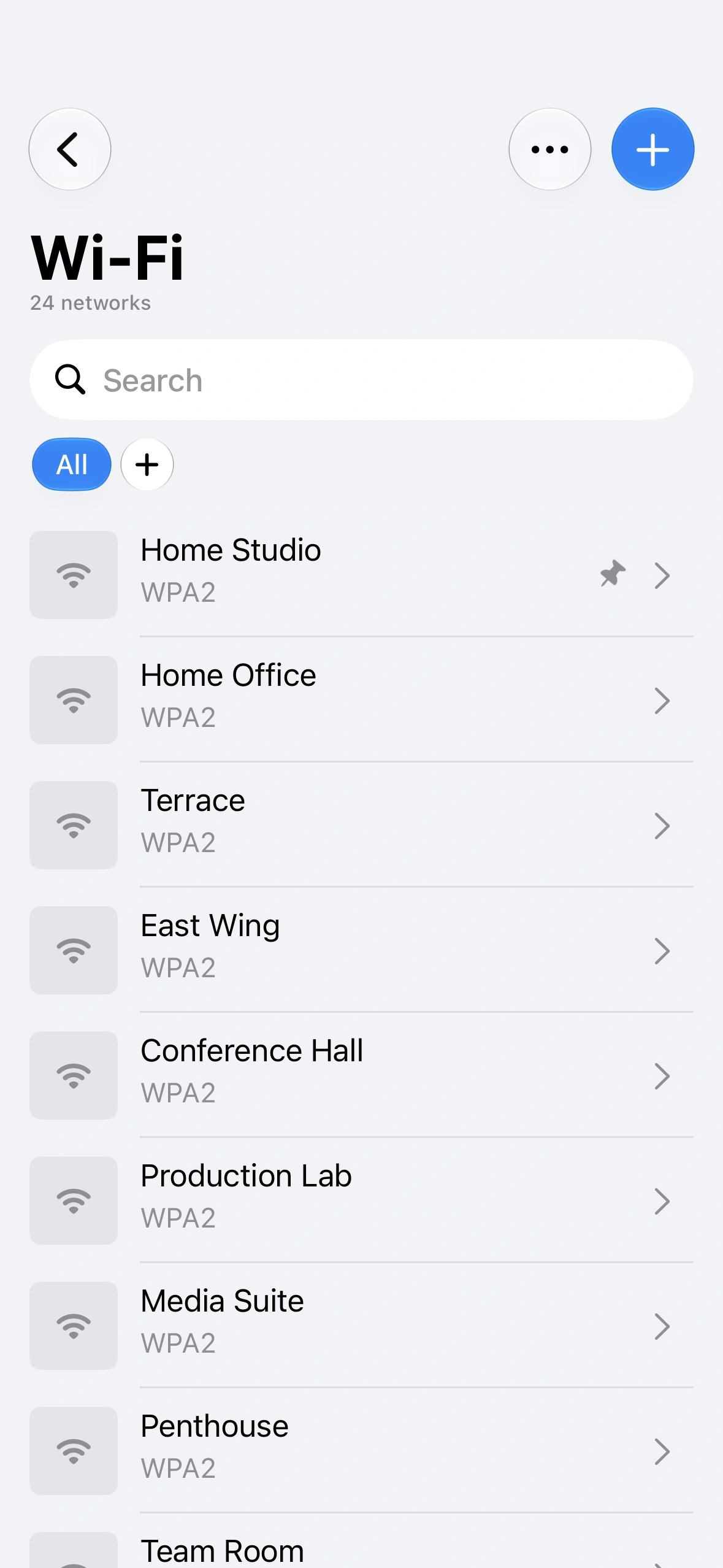
Keep Wi-Fi details alongside your passwords.
Use saved credentials with AutoFill on iPhone.
Review the leaked-data section on iPhone.
Find deleted entries in the Bin.
Set up a PIN to protect access to the app.
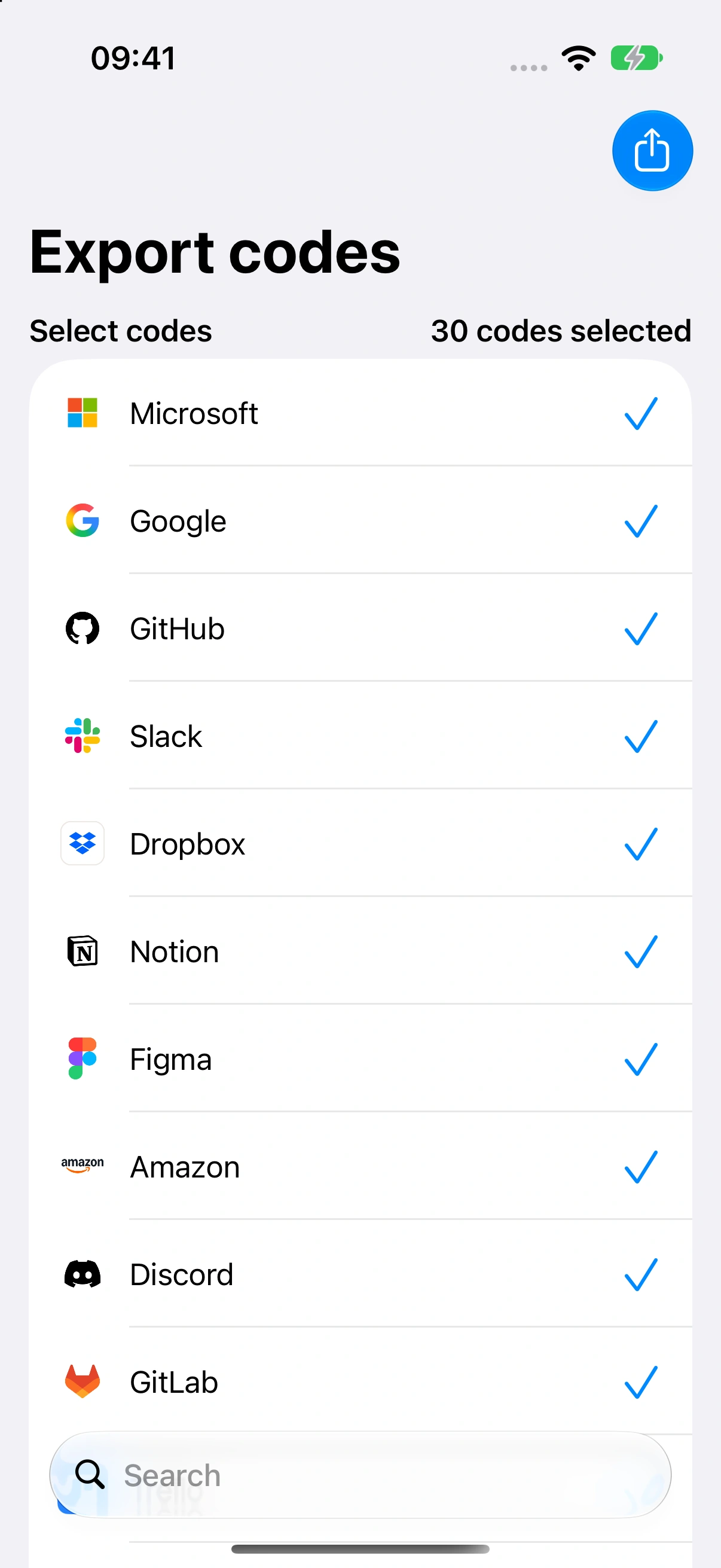
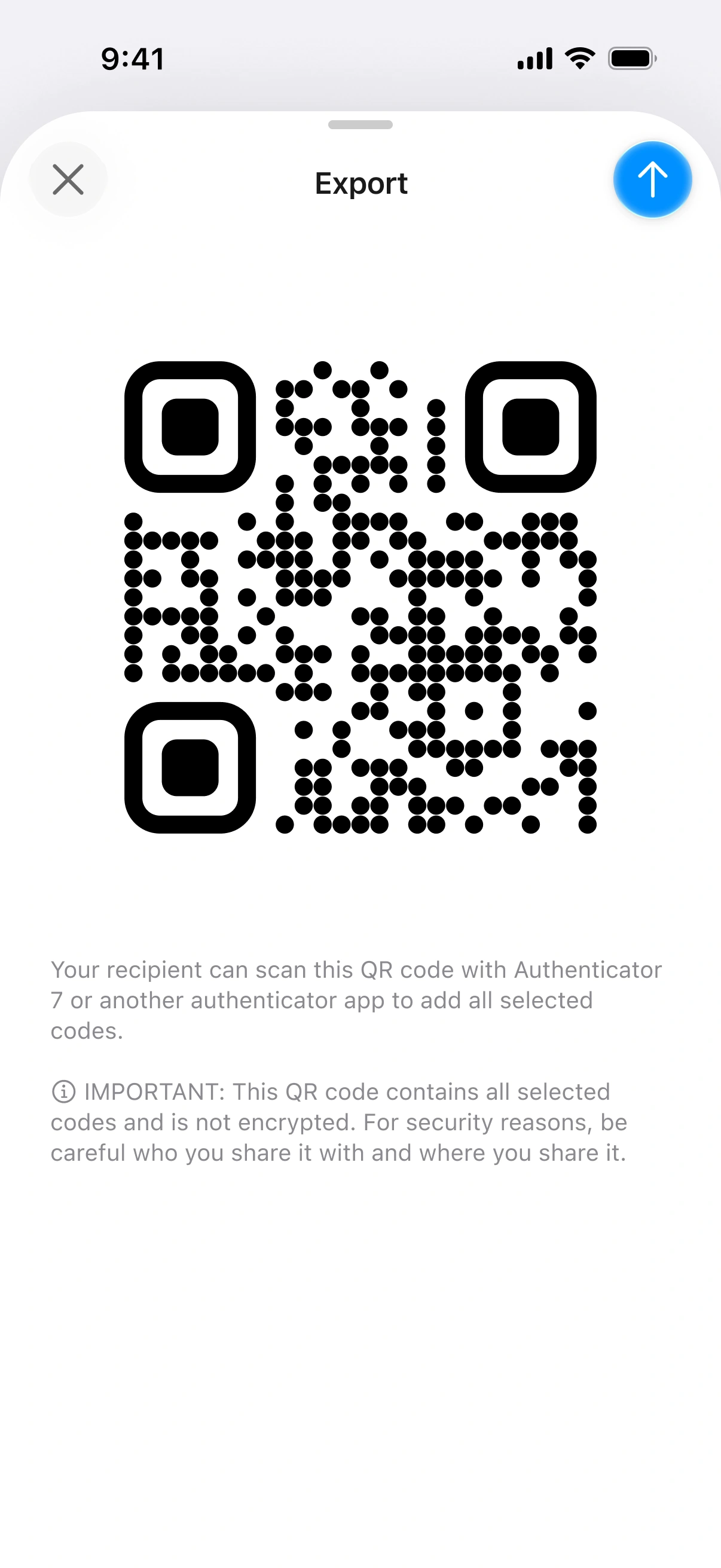
Bring existing 2FA accounts into Authenticator.
Export accounts when you need to transfer them.
Manage backups from the app settings.
Light or dark mode on Mac.
Set the accent color in Mac appearance settings.
USER REVIEWS
Selected five-star reviews in English.
★★★★★
I was very concerned about my privacy regarding my federal student loan. However, with Authenticator, I now feel more secure and protected. I feel confident that my student loan log-in and any passwords or number combinations that I associate with this account are safe and protected. Any stress associated with my account has been alleviated. I also feel that my privacy and any concerns regarding my federal student loan are no longer an issue. Thank you for a great service through this app!App Store · United States ↗
★★★★★
Thank you. I spent hours trying to figure out how to add my non US number to my Amazon account. But when I downloaded this app, I scan the QR code and it worked and took me to the next part of setting up my account. Thanks so much.Google Play ↗
★★★★★
This is great it’s super fast and I can get my code pretty fast so W app :) 🔥App Store · United States ↗
★★★★★
Minimal data and network usage, very pleased with effects provided, it is generally good starting point in security and safety off any personal phone.Google Play ↗
★★★★★
Has been a great tool to use with my small businessApp Store · United States ↗
★★★★★
great app to authenticate everyone on your phone. very easy to set up and use.Google Play ↗
★★★★★
I just got it today but it has been so easy to use and works great!!App Store · United States ↗
★★★★★
My go-to app whether I'm using an apple product, Windows computer or an android phone. Also my job uses this app as well which makes logging in at work safe fast and secureGoogle Play ↗
★★★★★
This app along with it’s installation was so very simple!!!!!!!App Store · United States ↗
★★★★★
Worked flawlessly first time, nice GUI interface as well.Google Play ↗
★★★★★
Great for out of the way, bush people who don’t have cell service only wifi 👍App Store · Canada ↗
★★★★★
I'm seriously loving this app!! It's user-friendly and very easy to navigate!Google Play ↗
12 of 41 reviews shown
All available five-star reviews are shown. App Store ↗ · Google Play ↗
Original reviews from App Store and Google Play · Updated October 2026.
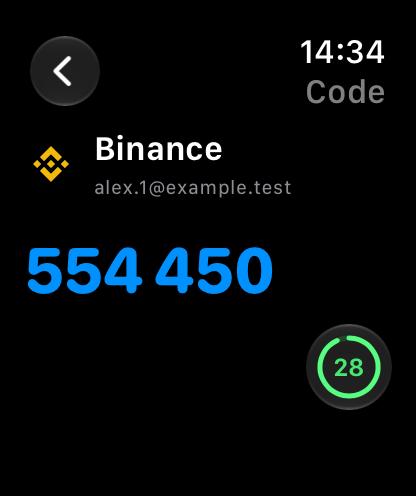
Use codes on your PC, phone or tablet. Check an account from your wrist.
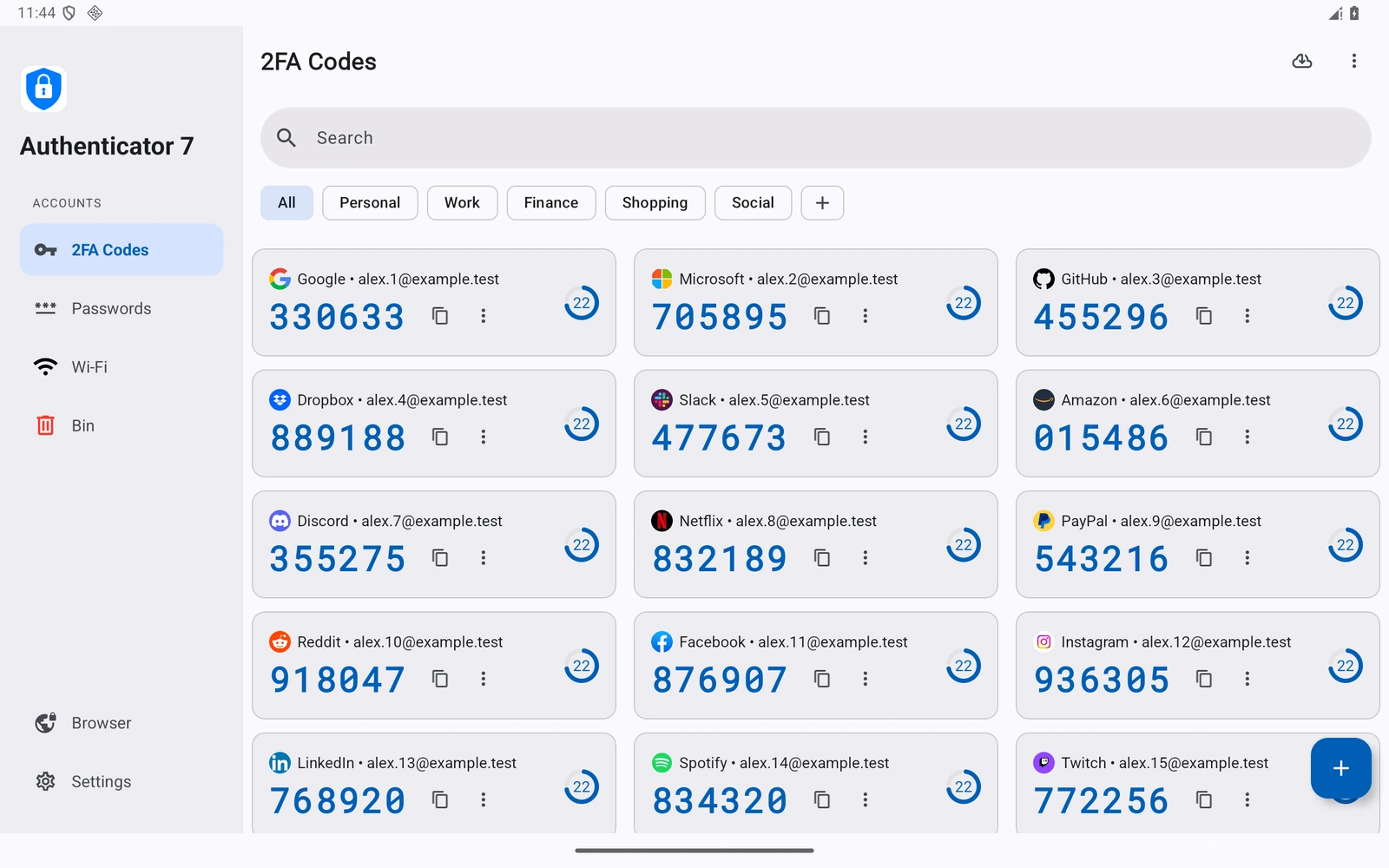
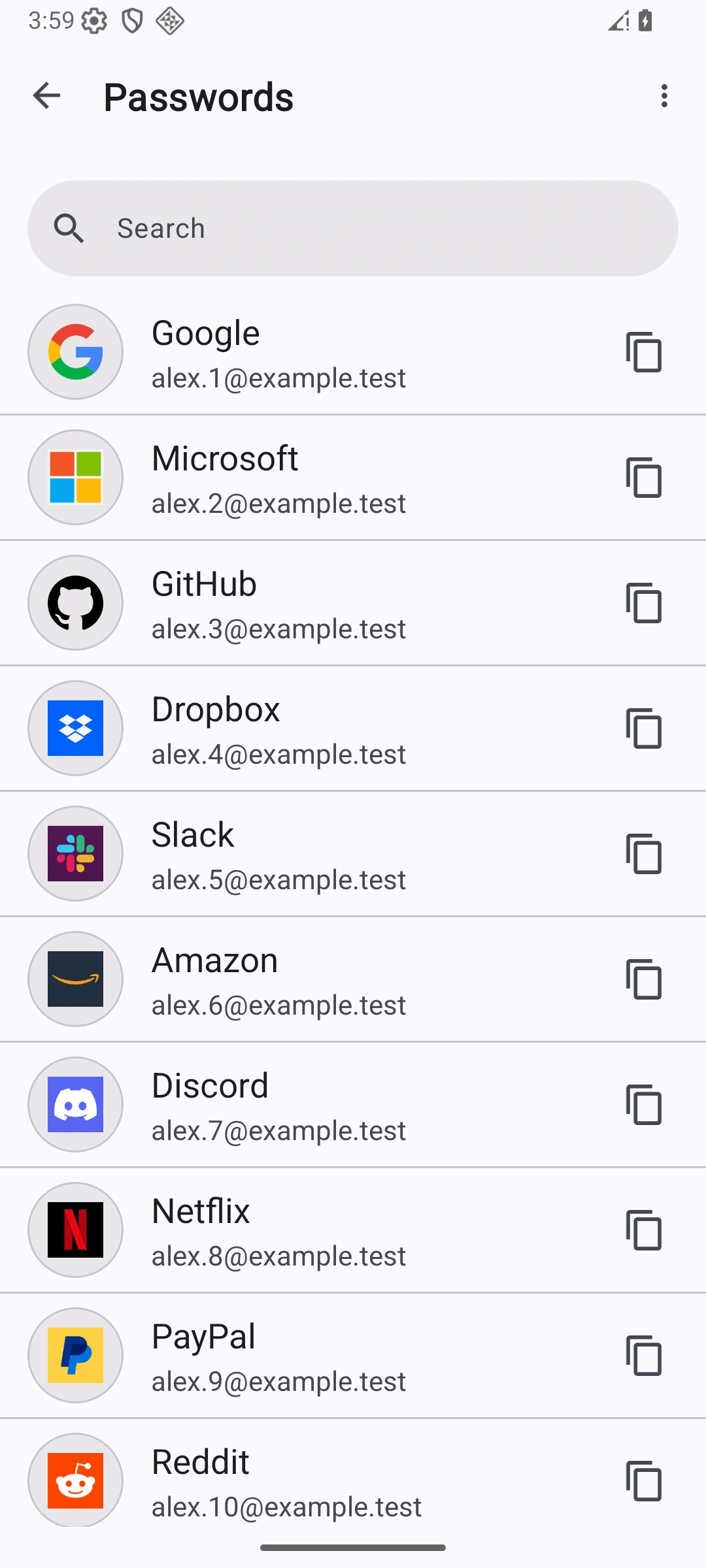
Verification codes and saved passwords.
 Authenticator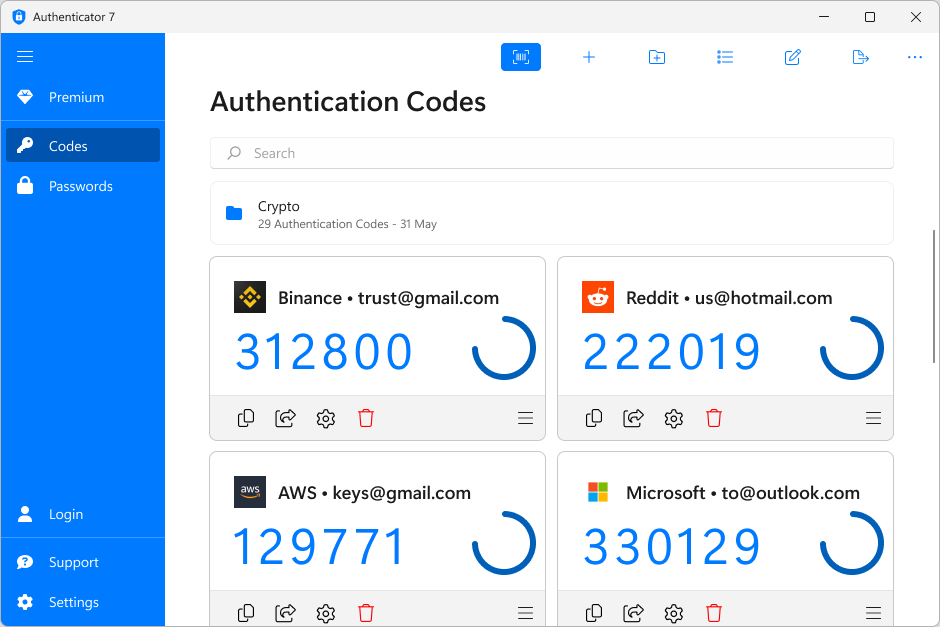

Verification codes on your Windows PC.
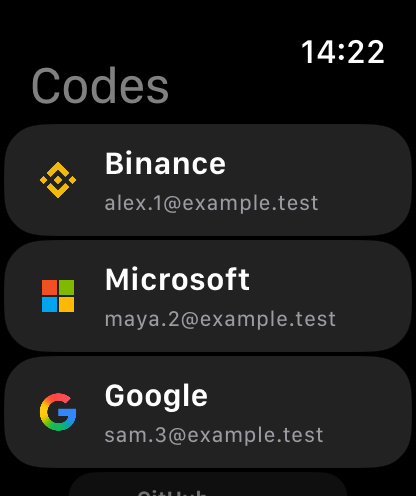
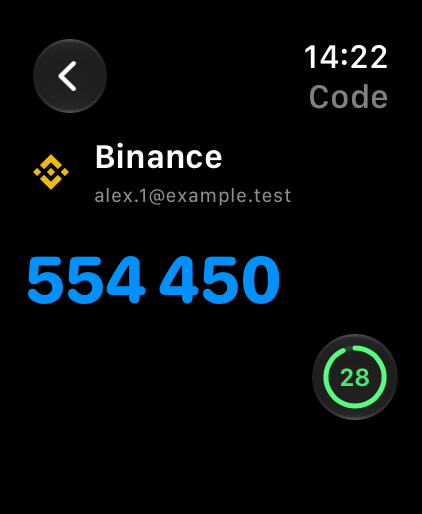

Find an account. Check its code on your wrist.
SUPPORT
Find setup instructions in our Help Center, or get in touch with our team.
Enable authenticator-based two-factor authentication in the service you want to use. Add its setup QR code to Authenticator, or enter the setup key manually. Use the code shown in the app to complete setup.
Use Authenticator for supported time-based authenticator codes. Code types and setup options can differ by service and app version. Follow the service’s guide and finish its code confirmation before relying on the entry. Authenticator is an independent Team2swift app.
Before changing devices, use the export or backup options available in your app. After importing or restoring, check that your accounts are present and their codes work before removing the old device. Keep each service’s recovery codes. Options differ by platform.
Time-based codes are generated on your device without an internet connection. Your device’s clock must be correct. Backups, cloud features and the service you sign in to may require a connection.
Authenticator is free to download. Some features and limits require Premium. Available features, plans and prices are shown in the app or store before purchase.
Manage App Store subscriptions in your Apple account settings, or Google Play subscriptions in Google Play. Website subscriptions are managed through your Authenticator website account.
WEB SUBSCRIPTION
7 days free. Choose monthly or yearly.
$49.99/year
About $4.17 per month, billed yearly.
7-day free trial
Renews yearly at $49.99 after the trial.
$9.99/month
Billed monthly after the trial.
7-day free trial
Renews monthly at $9.99 after the trial.