
Open the downloaded DMG
Find the installer in your browser’s Downloads, then open it.
Open the DMG from your Downloads folder, then drag Authenticator to Applications.
Download againFind the installer in your browser’s Downloads, then open it.

Drag Authenticator onto the Applications folder in the installer window.
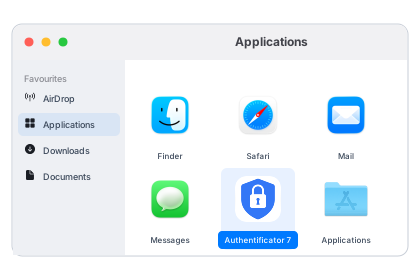
Launch the app from Applications and follow the setup instructions.