Help Center
Set up an account, move your codes safely or find help with your next sign-in.
50 guides
Using the app
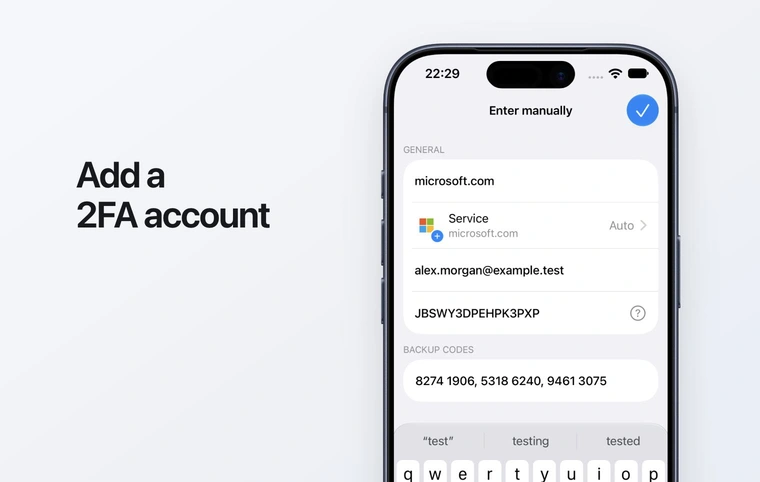
Add your first 2FA account
Set up an authenticator account with a QR code or setup key, then confirm it with a verification code.
Read guide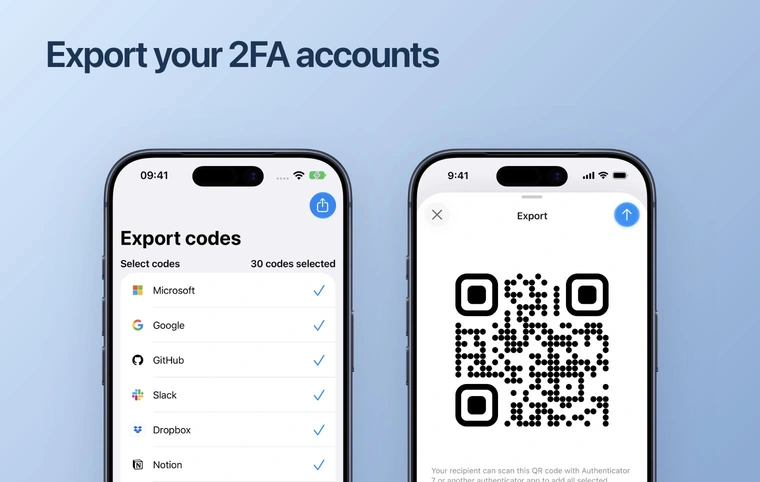
Move your codes to a new phone
Prepare a backup or export before changing phones, verify your accounts on the new device and keep recovery options available.
Read guide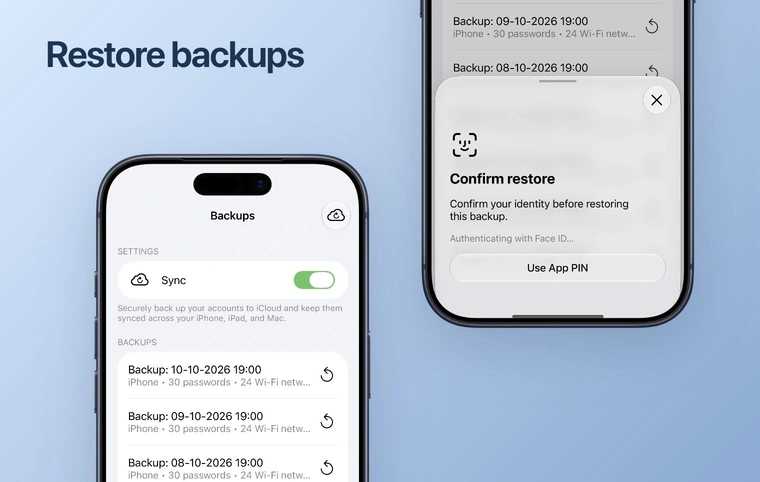
Back up and restore your codes
Check the backup controls on Apple devices, choose the right restore point and verify restored accounts before relying on them.
Read guide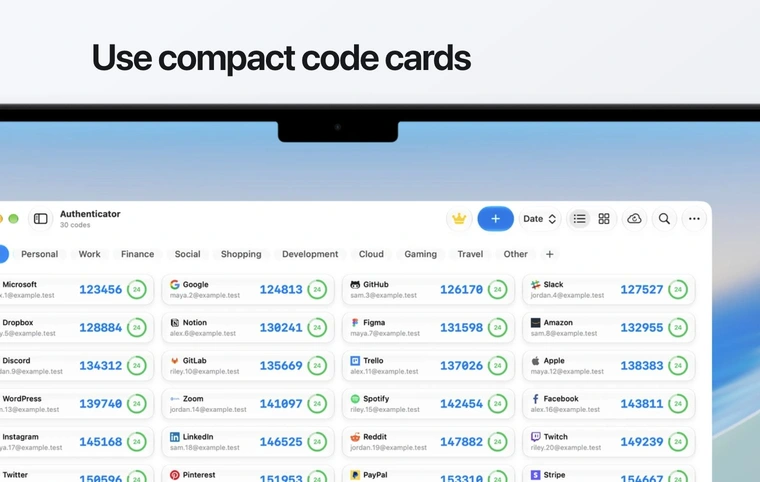
Use verification codes on your Mac
Install Authenticator on a Mac, locate an account and copy its current verification code into the service asking for it.
Read guide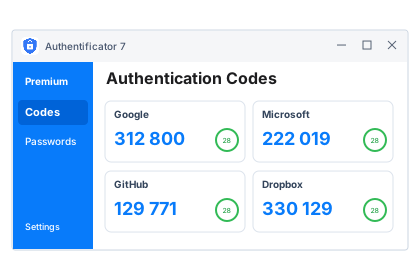
Install Authenticator on Windows
Choose a Windows installer, open it from Downloads and get started with verification codes on your PC.
Read guide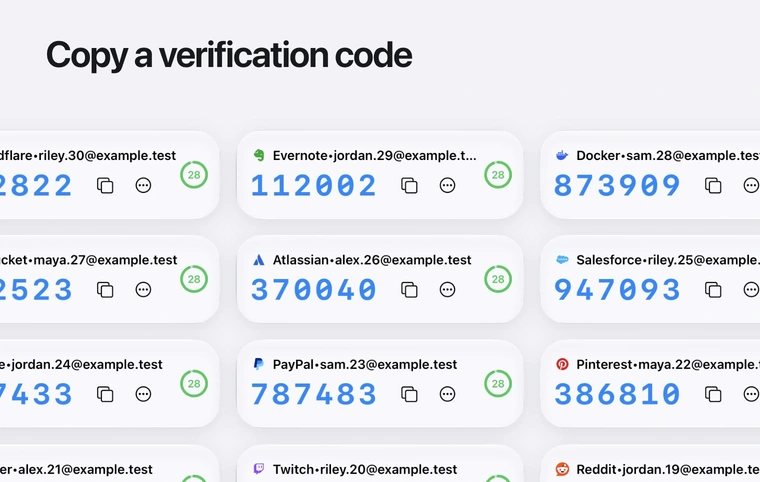
When a verification code is rejected
Check the account, code timer and device time before using your service’s recovery options for a rejected verification code.
Read guideAdd an account with a setup key
Use manual entry when the service setup screen is on the same phone or the QR code cannot be scanned.
Read guide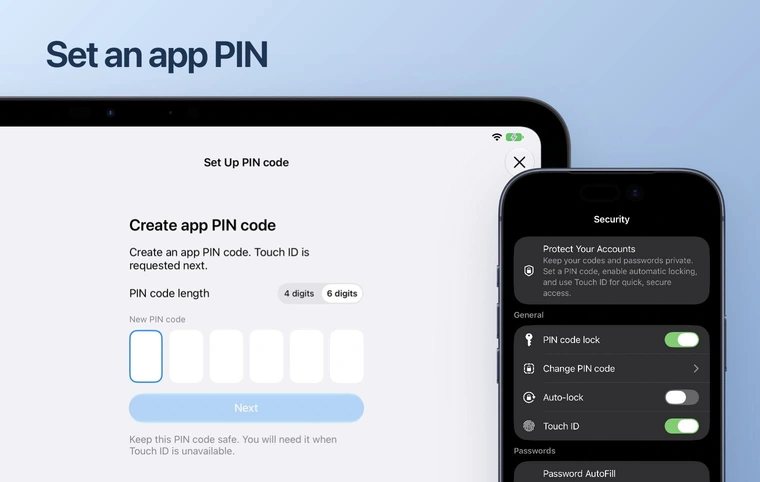
Protect the app with a PIN
An app PIN protects access to the app interface. It is separate from the verification codes requested by your services.
Read guide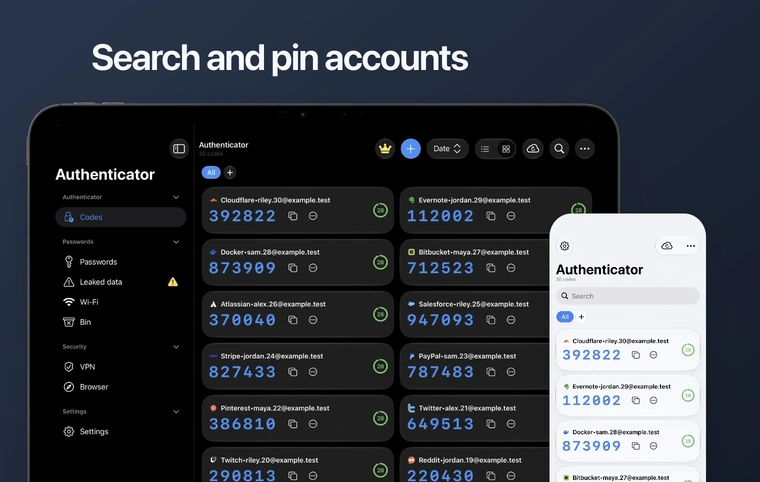
Find and copy the right verification code
Use account labels, search and folders to distinguish multiple sign-ins for the same service.
Read guideRecover access after losing your phone
Find a recovery route after losing a phone or reinstalling the app, without removing another working sign-in method.
Read guideMove codes between iPhone and Android
Keep the old phone until the new platform has the right accounts and its codes are accepted by your services.
Read guideImport from another authenticator
Choose a supported export route, review the imported accounts and verify their codes before removing the old app.
Read guide

 App Store · Google Play · Website
Find and manage your subscription
Use the place where you originally paid: App Store, Google Play or the Authenticator website.
Read guide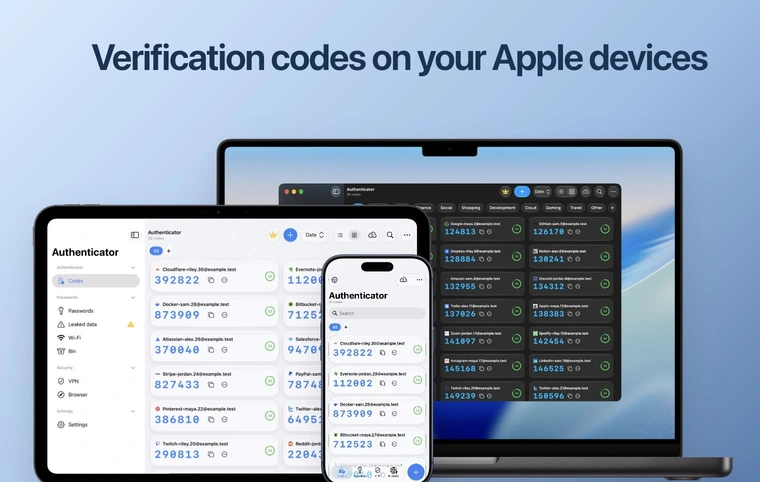
Back up and restore on Android
Check your cloud account, confirm that a backup exists and preserve newer entries before restoring.
Read guideMove codes from iPhone to Android
Export selected code entries from your iPhone, import them on Android and verify each important account.
Read guideMove codes from Android to iPhone
Transfer code entries with an export QR, then check the new iPhone before removing the old Android app.
Read guideMove verification codes from a phone to Mac
Use the Mac image scanner or a supported import file, then verify the imported accounts.
Read guideFix QR scanning and incomplete imports
Check camera access, the QR format and the imported account list without deleting your working entries.
Read guideApp Store · Google Play · WebsitePaid, but Premium is not available
Find the original purchase channel and restore access without buying a second subscription.
Read guideFind missing verification codes
Check filters and the correct app instance before trying a backup or service recovery.
Read guideSet up a service
Choose your service for its setup steps, requirements and official help.
 Social
Connect Instagram login codes and keep backup access.
Read setup guide Accounts
Connect Google to an authenticator app, verify a code and keep a recovery method.
Read setup guide Accounts
Microsoft
Set up code verification for a personal Microsoft account.
Read setup guide Social
Add an authentication app to the right Facebook account.
Read setup guide Social
TikTok
Set up authenticator codes for your TikTok account.
Read setup guide Social
Kick
Set up authenticator codes for your Kick account.
Read setup guide Work
WorkIndeed
Protect an employer account with app-based verification.
Read setup guide Gaming
Epic Games
Set up authenticator codes for your Epic Games account.
Read setup guide Accounts
Amazon
Connect Amazon to an authenticator app, verify a code and keep a recovery method.
Read setup guide Gaming
Roblox
Set up authenticator codes for your Roblox account.
Read setup guide Social
Discord
Connect Discord to an authenticator app, verify a code and keep a recovery method.
Read setup guide Work
WorkShopify
Connect Shopify to an authenticator app, verify a code and keep a recovery method.
Read setup guide Finance
Binance
Set up authenticator codes for your Binance account.
Read setup guide Work
WorkGitHub
Connect GitHub to an authenticator app, verify a code and keep a recovery method.
Read setup guide Finance
Stripe
Set up authenticator codes for your Stripe account.
Read setup guide Work
WorkAtlassian
Set up authenticator codes for your Atlassian account.
Read setup guide Gaming
PlayStation
Set up authenticator codes for your PlayStation account.
Read setup guide Work
WorkOpenAI
Set up authenticator codes for your OpenAI account.
Read setup guide Accounts
Yahoo
Check recovery requirements before connecting your app.
Read setup guide Social
Set up authenticator codes for your Reddit account.
Read setup guide Social
Twitch
Verify your phone, then connect an authenticator app.
Read setup guide Work
WorkDropbox
Connect Dropbox to an authenticator app, verify a code and keep a recovery method.
Read setup guide Finance
PayPal
Set up authenticator codes for your PayPal account.
Read setup guide Finance
Coinbase
Set up authenticator codes for your Coinbase account.
Read setup guide Social
X
Set up authenticator codes for your X account.
Read setup guide Social
Set up authenticator codes for your LinkedIn account.
Read setup guide Work
WorkSlack
Connect Slack to an authenticator app, verify a code and keep a recovery method.
Read setup guide Work
WorkZoom
Set up authenticator codes for your Zoom account.
Read setup guide Work
WorkFigma
Set up authenticator codes for your Figma account.
Read setup guide Work
WorkGitLab
Connect GitLab to an authenticator app, verify a code and keep a recovery method.
Read setup guideNo matching guide. Try another search or contact support.
Still need help?
Tell us your device, app version and what happened. Keep passwords and setup keys private.