 Download on the App Store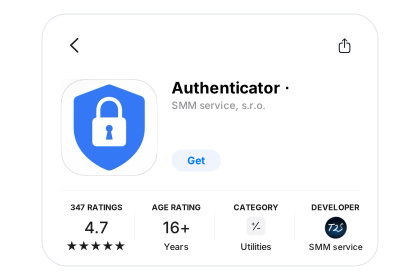
Open the App Store
Tap the download button on your iPhone or iPad.
Free to download. Some features require Premium.
iOS 15 or later · iPadOS 15 or later.
Tap the download button on your iPhone or iPad.
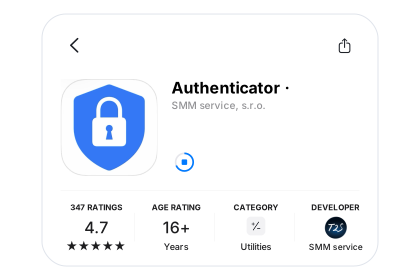
Tap Get, confirm with your Apple account, then open Authenticator.
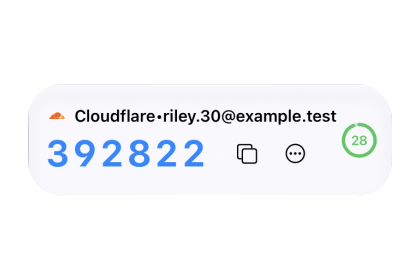
Scan the setup QR code from your service or enter its setup key.
Connect an account with its setup QR code or key. Check backups before changing phones.
macOS 12 or later · Apple Silicon & Intel
Version 1.7.17 · 30.1 MB
 Open Mac App Store
macOS 12 or later
Install and update through the App Store.

Find the installer in your browser’s Downloads, then open it.

Drag Authenticator onto the Applications folder in the installer window.
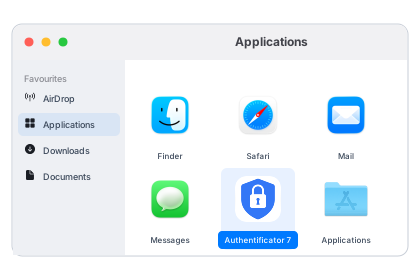
Launch the app from Applications and follow the setup instructions.
Find the account in the Mac app, copy its current code and return to the sign-in page.
Android 8.0 or later

Tap the download button on your Android phone or tablet.

Tap Install. When it finishes, open Authenticator.

Scan a setup QR code or enter the setup key from your service.
Use the setup QR code or key from your service. Review the backup options in your installed app before moving devices.
Windows 10 (1809) or later
152.1 MB
Windows 10 (1809) or later
150.8 MB
Windows 10 (1809) or later
148.3 MB

Find the installer in your browser’s Downloads, then open it.

Follow the installation instructions shown on your PC.
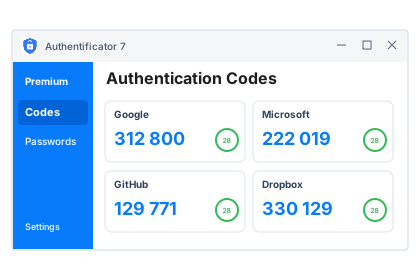
Launch Authenticator and add your first account.
Choose the Windows installer for your system, then open the app and set up your accounts.
 Download Universal DMG
  Get it on Google Play