
Open the security controls
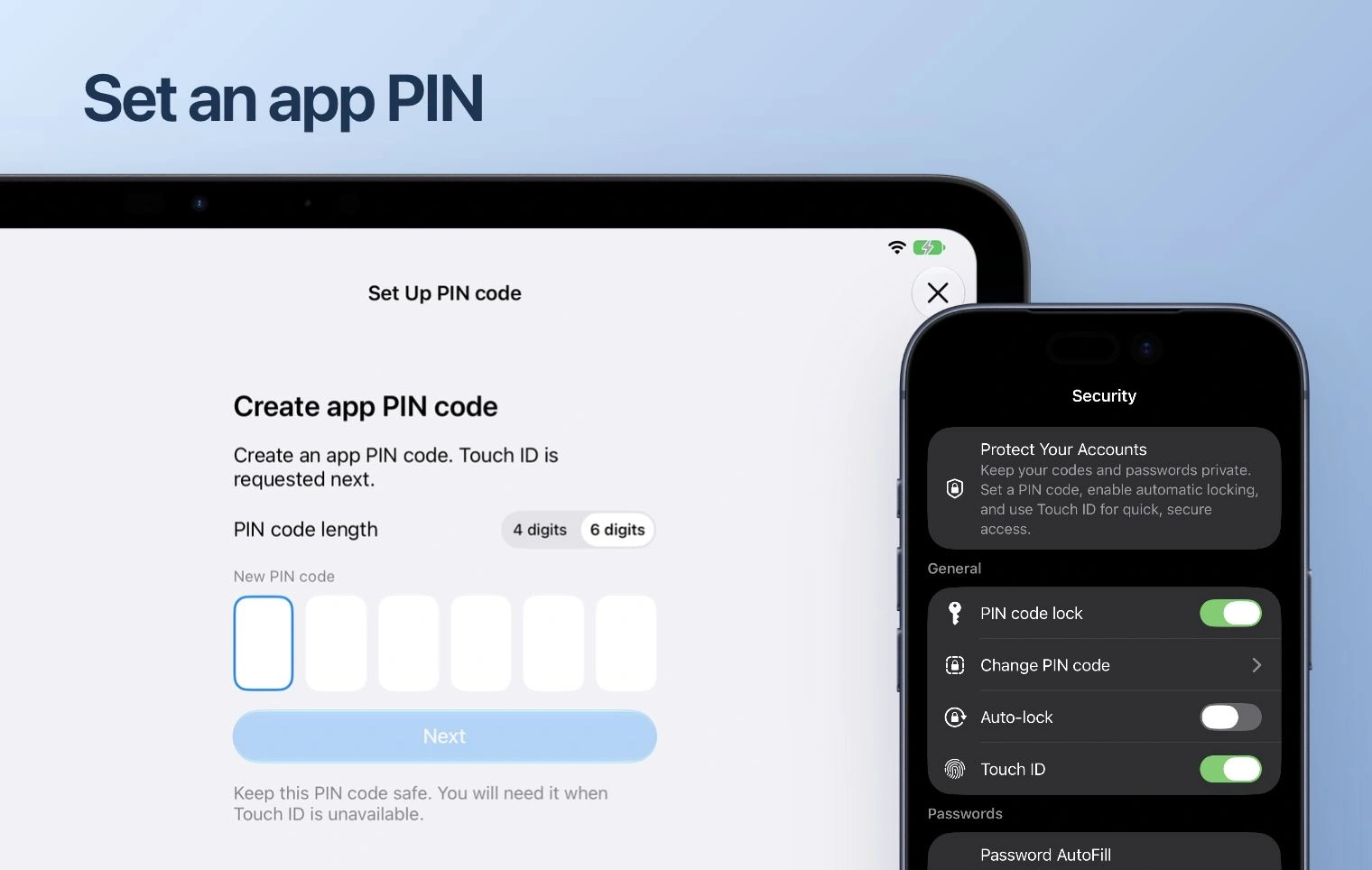
In the saved Apple interface, security controls include PIN code lock, Change PIN code and Auto-lock. Open the security section available in your app version.
Set and check the lock
Enable the PIN lock and follow the confirmation prompts. Review the Auto-lock control offered by your version. Lock and reopen the app to check the behavior before relying on it.
Check biometric access
Enable Face ID or Touch ID only where your device and app offer it. Keep a working recovery or backup route. An app PIN cannot replace a service recovery code.