Find the entry
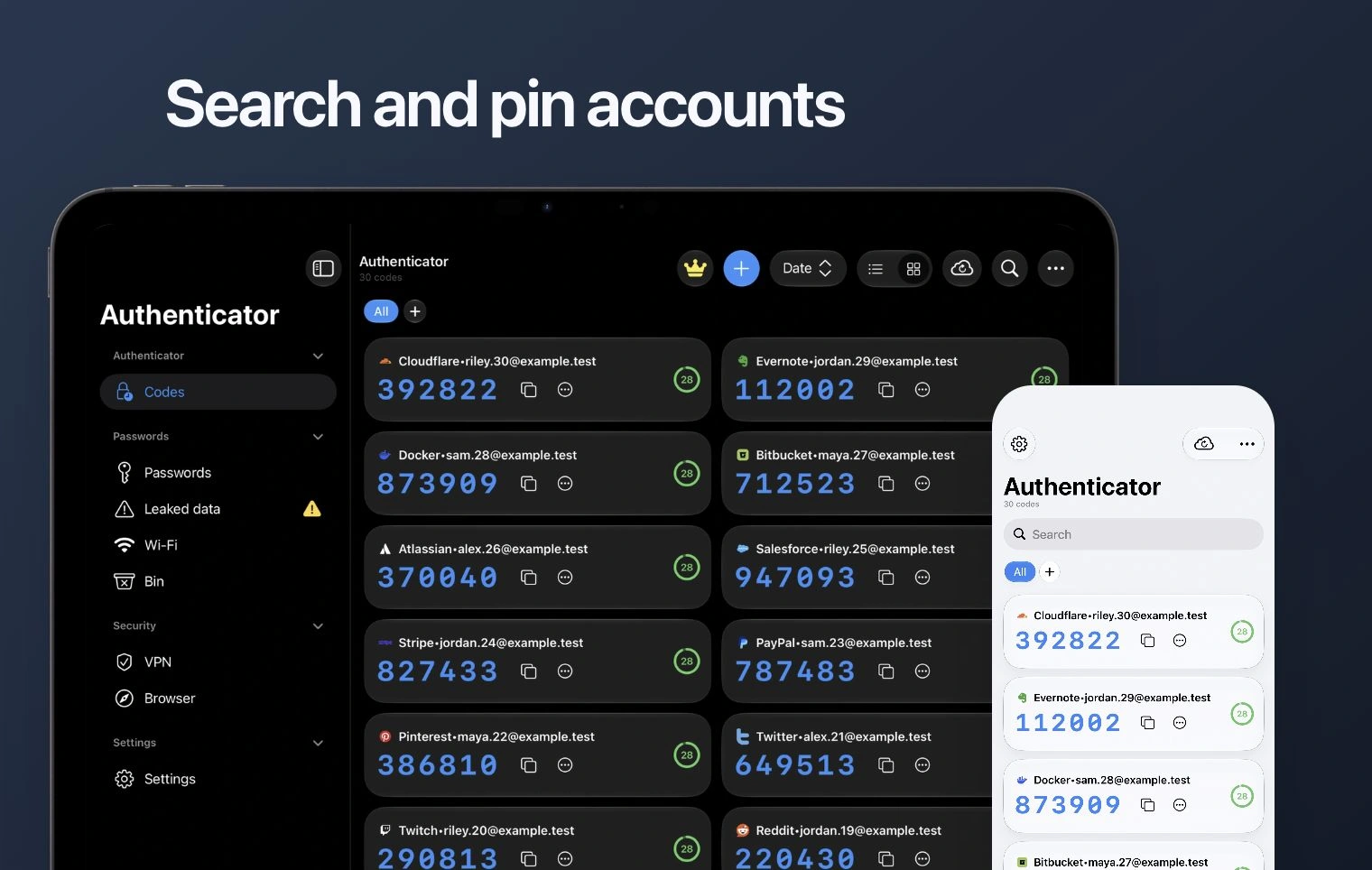
Open Codes. Use search to find the service or account label. If a folder filter is active, switch to All to check the full account list.
Check before copying
Match both the service and the email or account label. Use the copy control next to its current code, then paste it into the service asking for verification.
Allow time to finish
If the countdown is nearly finished, wait for a new code. Do not paste a code from a different account or an older setup entry.