
Get the correct key
Open the service’s authenticator setup screen. Choose its manual setup or setup key option. A recovery code is different from this key.
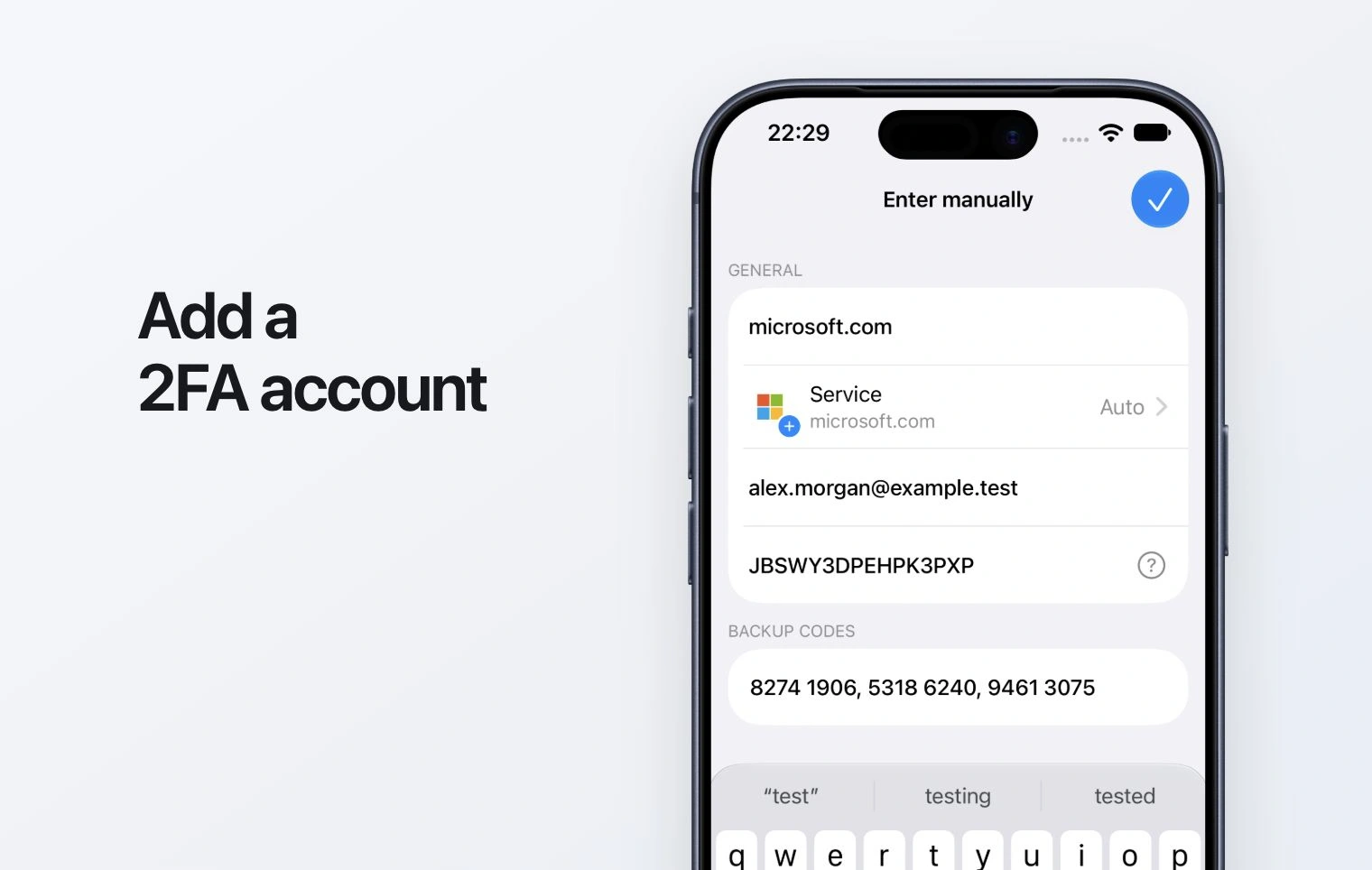
Enter the account
In the app’s add-account flow, choose manual entry. Fill in a recognizable service name, account label and the setup key. Preserve the key exactly; do not enter a current six-digit code as the key.
Confirm in the service
Save the entry and return to the service. Submit the current generated code to finish setup. Keep service recovery codes independently of your phone.