
Prepare before changing platforms
- Keep the old phone and its app working. List the accounts you need to move.
- Keep recovery codes and another sign-in method for important services.
- Install Authenticator on the new phone and check the import options offered by that version.
An Apple iCloud backup is not a universal Android backup. Signing into a store or website purchase account does not establish that your codes have transferred.
Choose your direction
Use a compatible transfer route
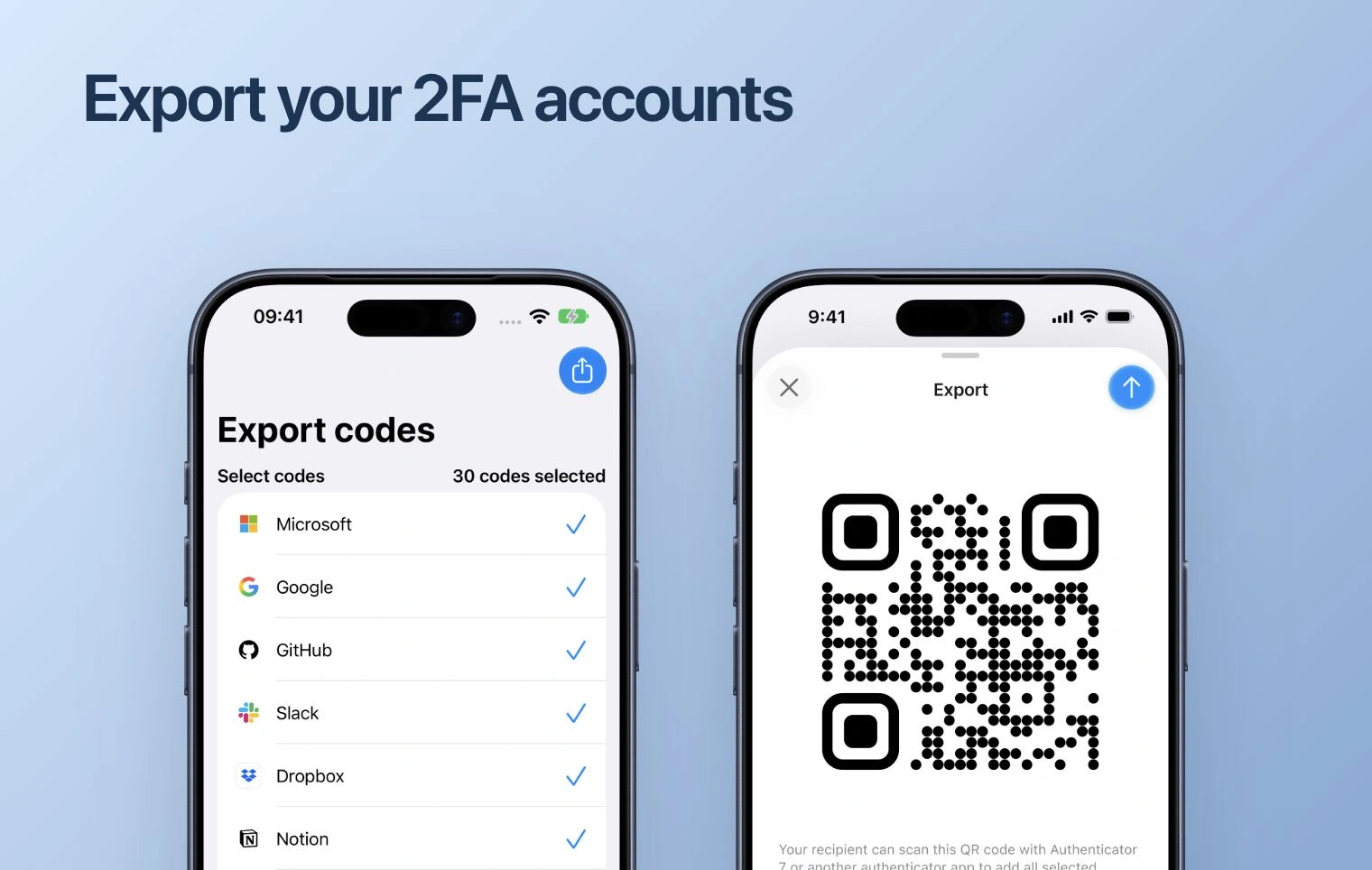
If the old app can export accounts and the destination app accepts that export format, use that route. Scan every QR code in a multi-part transfer, then review the imported accounts. Do not assume that a backup file, encrypted archive or CSV from one app is accepted by another.
Keep export files and QR codes private: they may contain the secrets needed to generate future sign-in codes.
Reconnect accounts when import is unavailable
- While you can still sign in, open the service’s security settings.
- Follow its process to add or replace an authenticator. Use the existing code or another method if the service asks you to verify.
- Add the new setup QR or key on the new phone, then confirm its generated code in the service.
- Repeat for each account and keep the service’s updated recovery information.
A replaced setup key can make the old entry’s codes invalid. Follow the service’s replacement flow rather than deleting your only working entry first.
Check the result before retiring the old phone
Compare service names and account labels, especially where you have multiple accounts. Test a sign-in for important accounts using the new phone. Check the backup options on the new platform before removing the old app or resetting the phone. Purchase access and billing remain separate from code transfer.