
Check what you still have
If another device still generates working codes, keep it available. Do not erase it, delete its app or remove its accounts. If the phone was lost or stolen, use your device provider’s lost-device tools and review active sessions in your important services.
After reinstalling the app, an empty account list does not prove that a backup exists or has been restored.
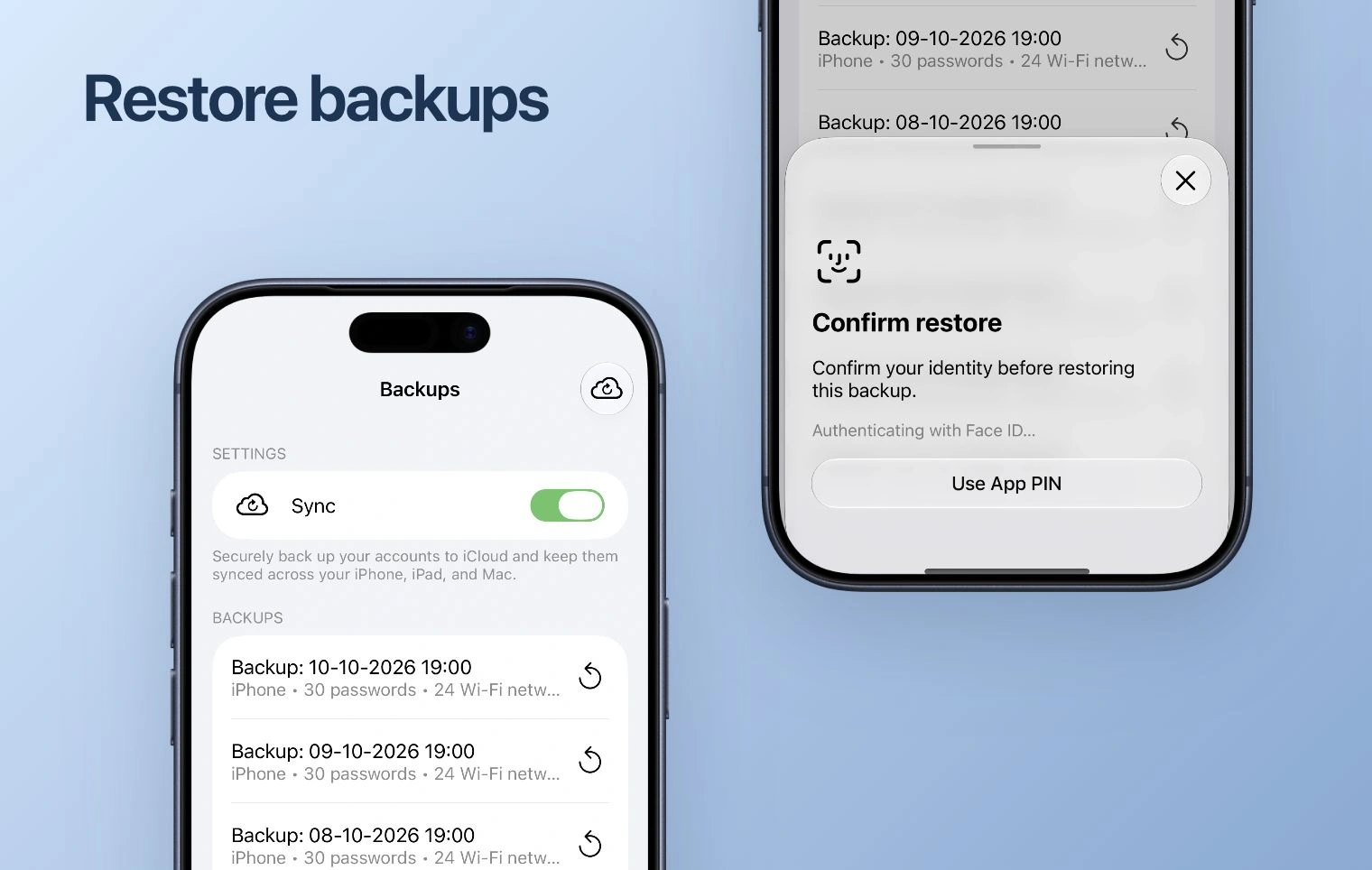
Use an existing backup or working device
If you created a compatible backup before losing the phone, use the restore route for that platform and account. Check the backup date and read the restore confirmation. A new installation, website sign-in or subscription purchase cannot recreate a missing setup key.
If another device has your accounts, use its supported export or transfer route instead. Verify a sign-in from the replacement device before deleting anything.
Use the service’s recovery options
- Open the official sign-in page of the service you cannot access.
- Choose its recovery or alternative verification option. Use a saved backup code, another configured method or an already signed-in session where the service permits it.
- After recovering access, follow the service’s process to replace the old authenticator and connect the new one.
- Save the new recovery codes and review the service’s trusted devices.
When no recovery method remains
Use the account-recovery process of the service that owns the account. Authenticator support cannot bypass that service’s verification or generate the missing secret. Contact our support about app backup or import errors with your device, app version and error text. Do not send passwords, setup keys, export QR codes or live codes.